DAB+ Radio with Bluetooth Speaker and FM Tuner – LCD Display User Guide
Introduction:
Here, you will find the official user manual for the GTMedia D1 radio. We have cut the guide up to make it easier to follow, typed out and rephrased/expanded some text separately, and corrected some grammatical issues to assist in following in point form. Our typed-out version will appear above the images in the official user manual.
Getting Started
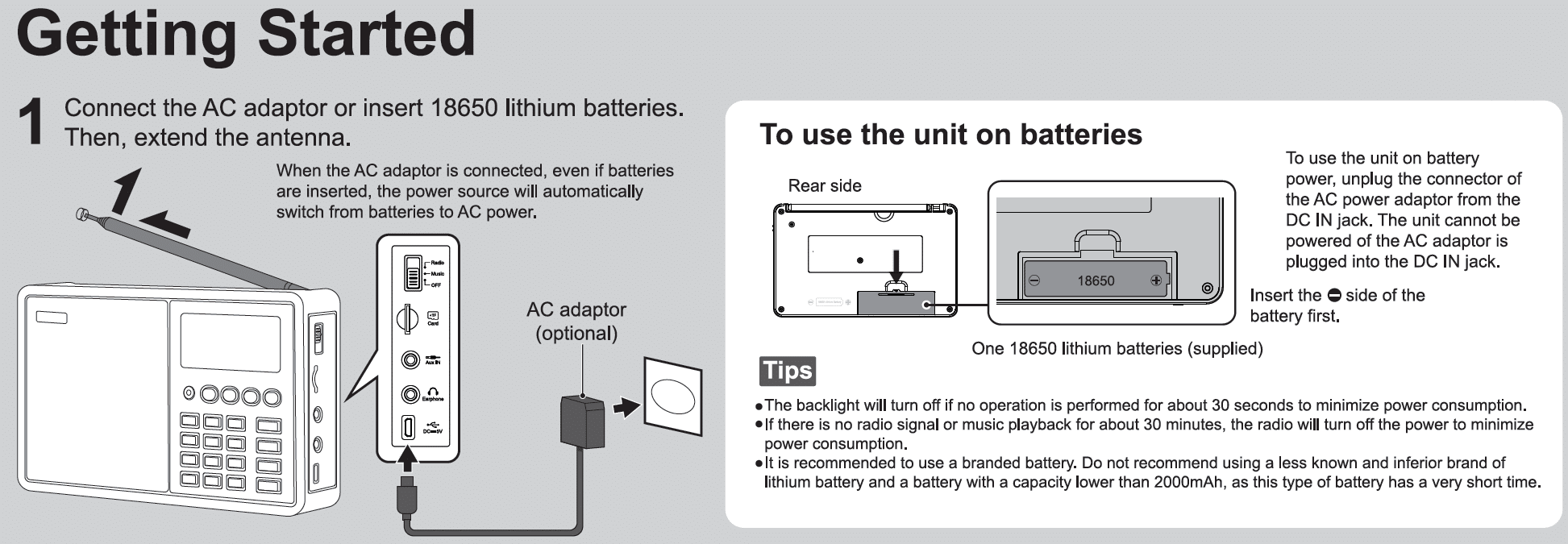
- Connect the AC adapter or insert 18650 lithium batteries. Then, extend the antenna.
- When the AC adapter is connected, the power source automatically switches from batteries to AC power, even if batteries are inserted.
- To use the unit on batteries:
- Unplug the AC power adapter’s connector from the DC IN jack to use the unit on battery power. The unit cannot be powered by the AC adapter plugged into the DC IN jack.
- TIPS:
- The backlight will turn off if no operation is performed for ~30 seconds to minimise power consumption.
- If there is no radio signal or music playback for ~30 minutes, the radio will automatically turn off to reduce power consumption.
- A branded battery is recommended. Do not recommend using a less-known or inferior brand of lithium battery and a battery with a capacity lower than 2,000mAh, as these types of batteries have a short life.
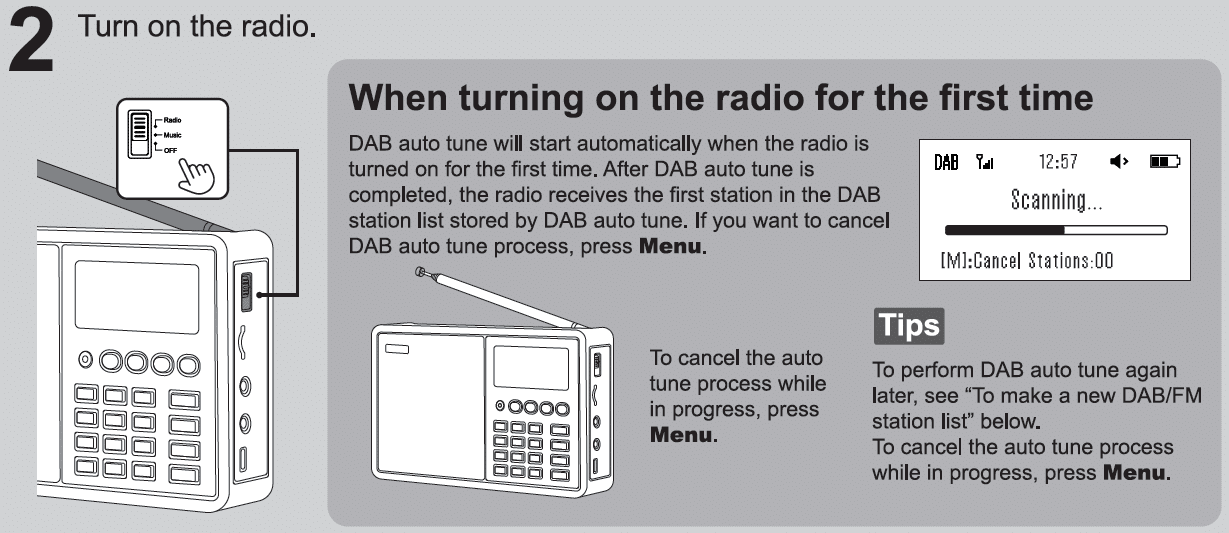
- Turn on the radio.
- Turning on the radio for the first time:
- DAB auto-tune will start automatically when the radio is turned on for the first time. After the DAB auto-tune is completed, the radio receives the first station in the DAB station list stored by the DAB auto-tune. If you want to cancel the DAB auto-tune process, press the Menu Button.
- To cancel the auto-tune process while in progress, press the Menu Button.
- TIPS:
- To perform DAB auto-tune again, see “To make a new DAB/FM station list” below.
- TIPS:
- Turning on the radio for the first time:
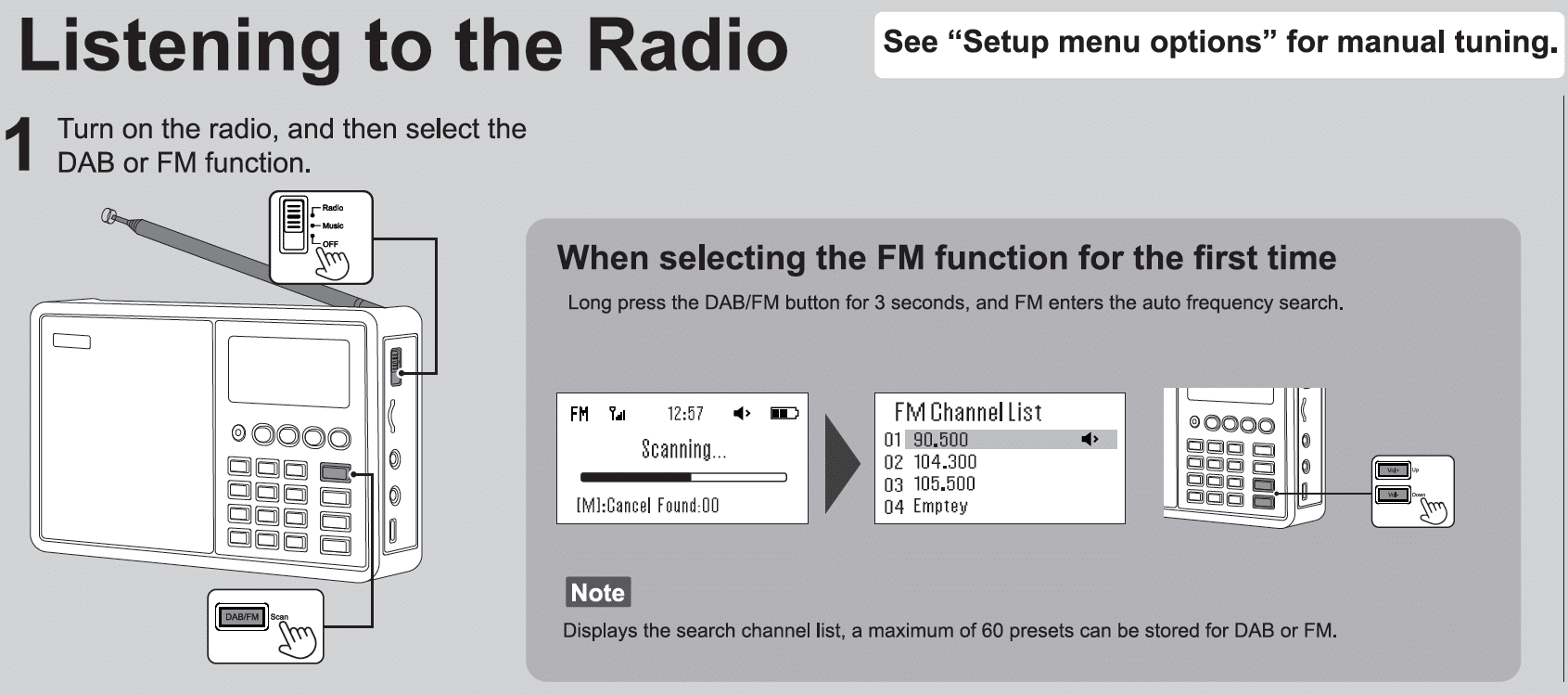
Listening to the Radio
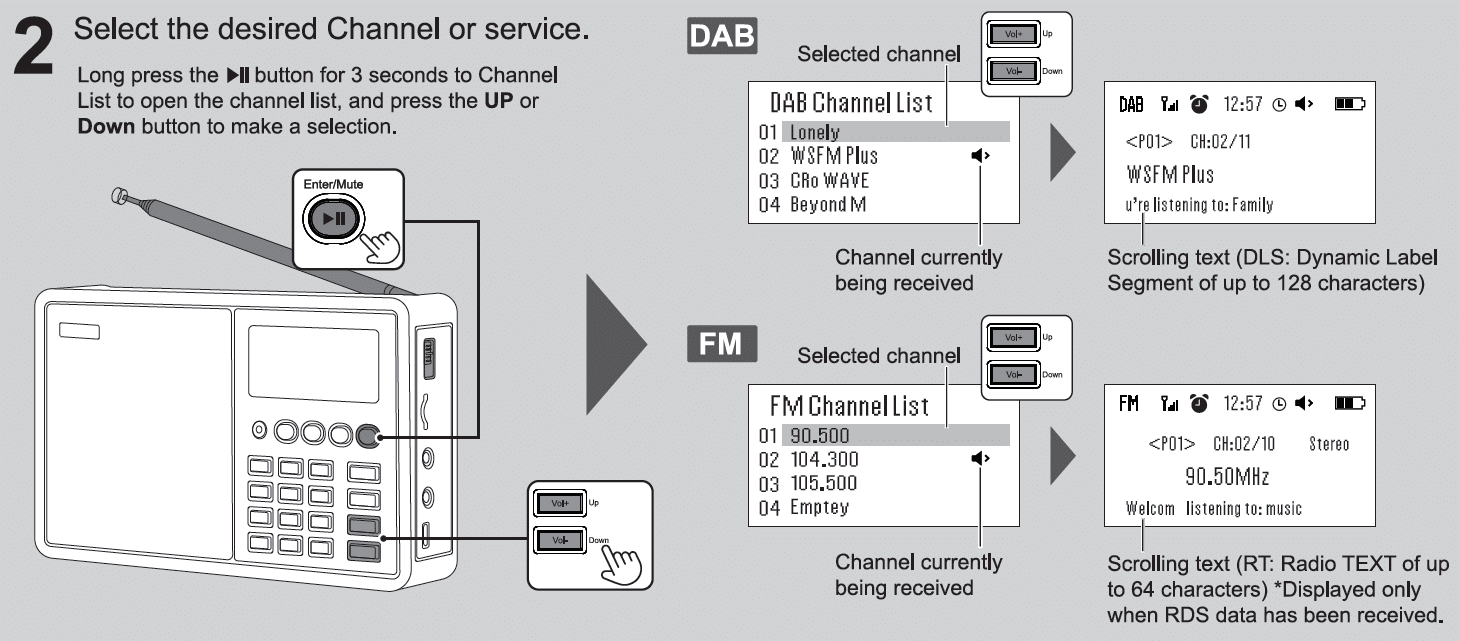
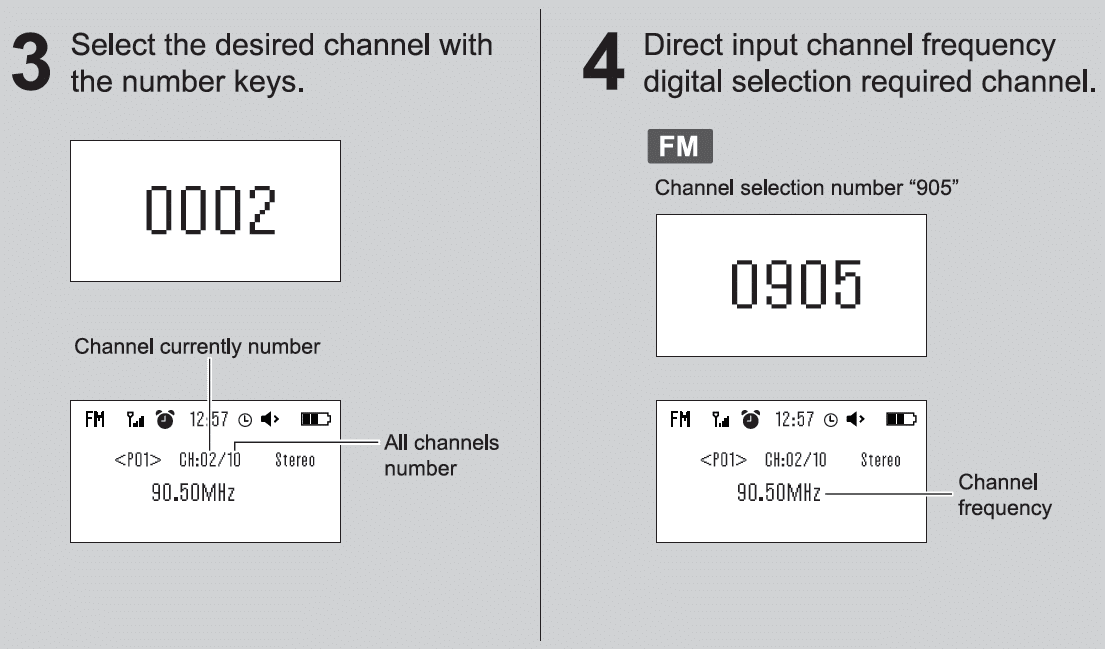
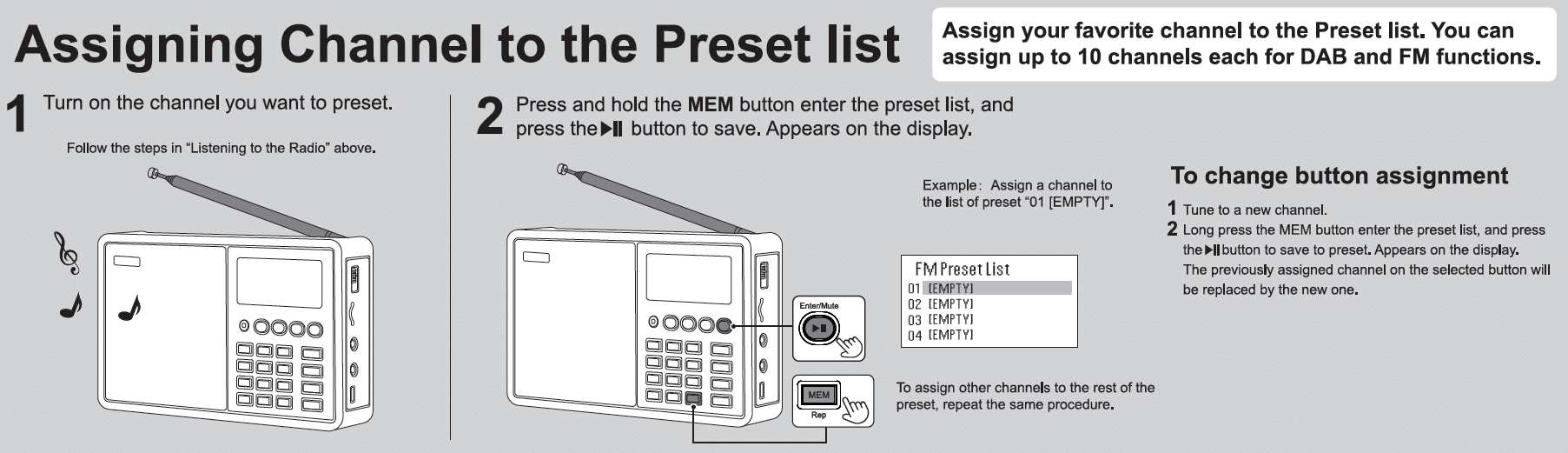
Assigning Channels to the Preset List
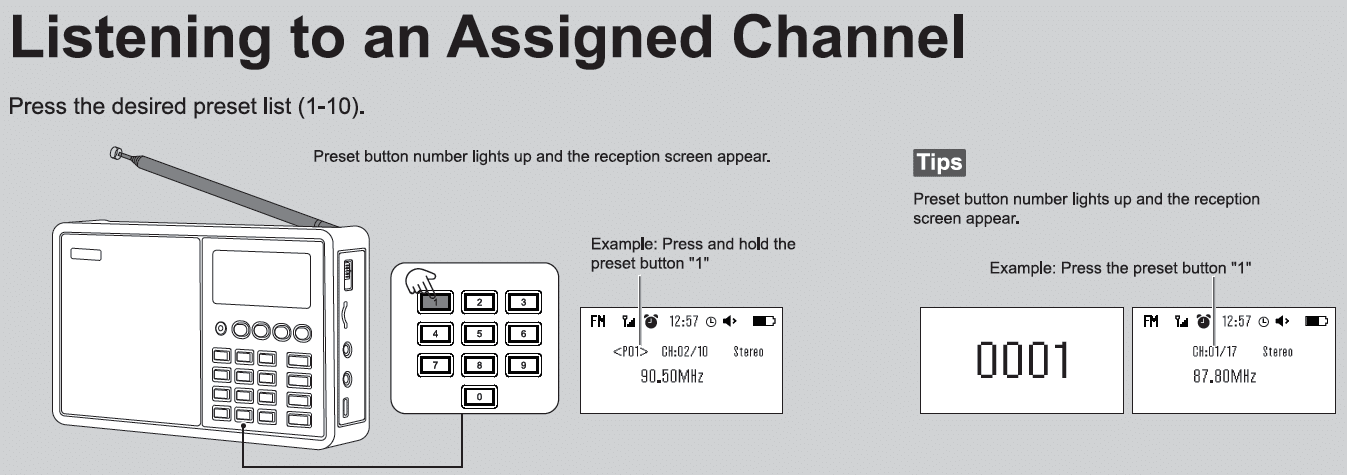
Listening to an Assigned Channel
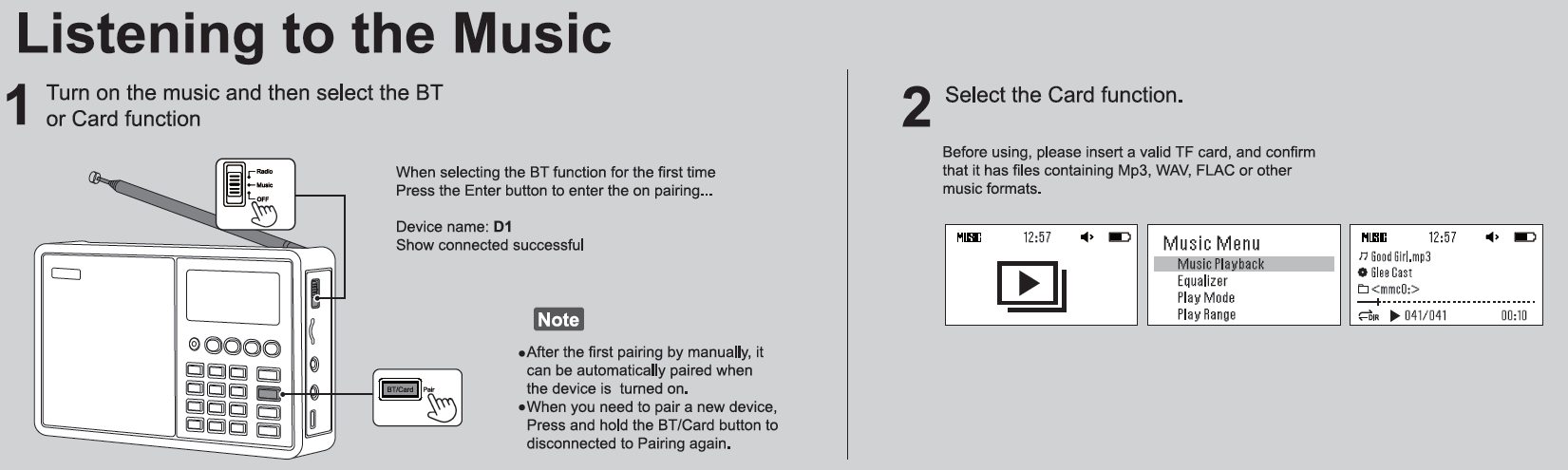
Listening to Music via Bluetooth or SD Card
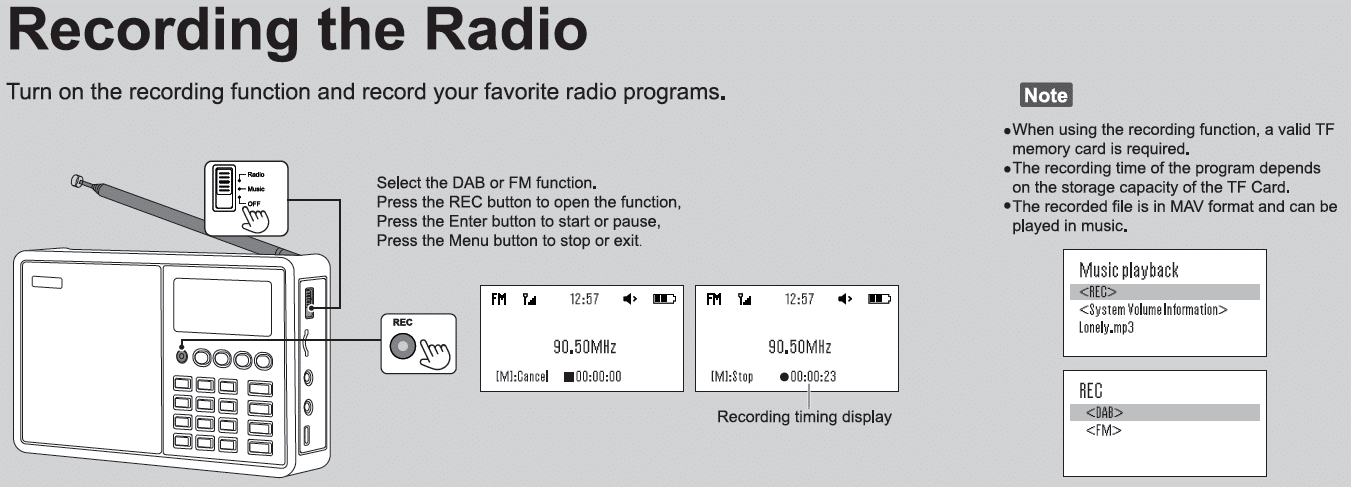
Recording Radio
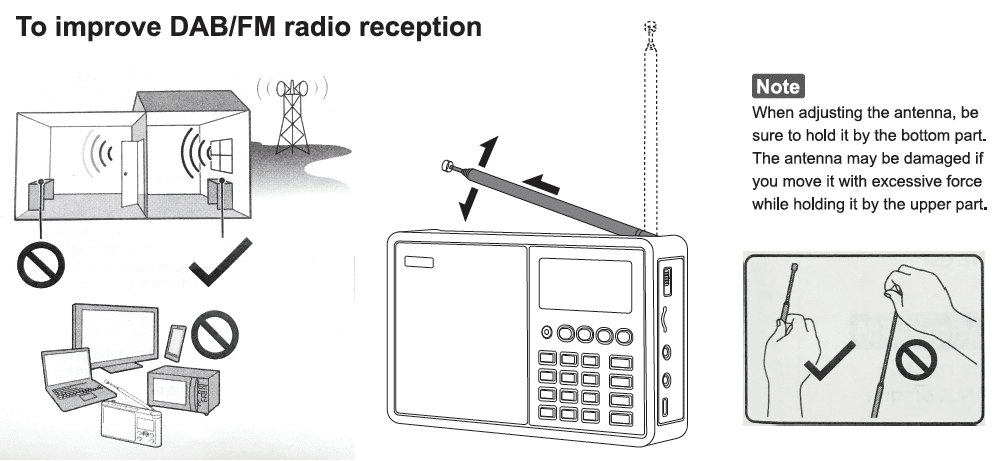
Improve Reception
Creating a new Channel List
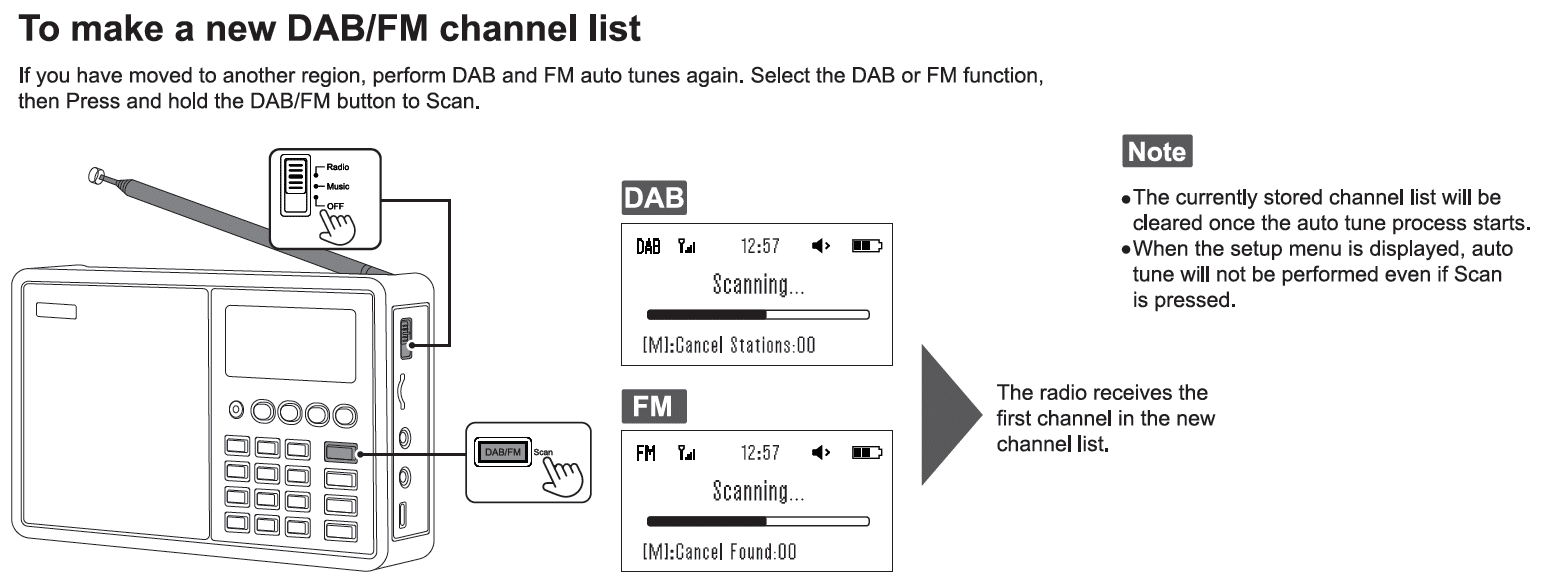
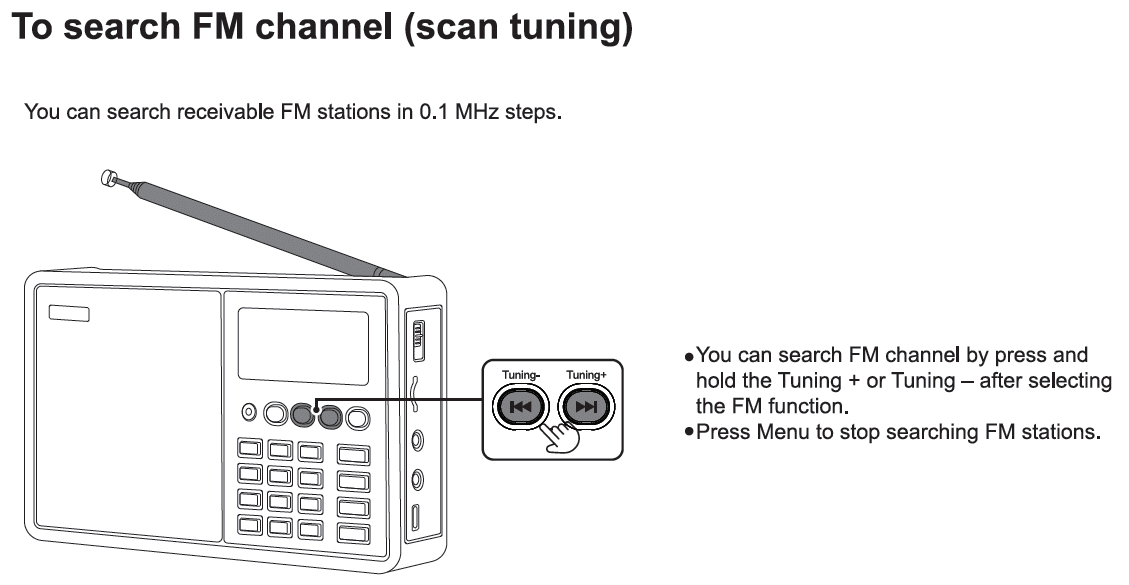
Scanning FM Channels
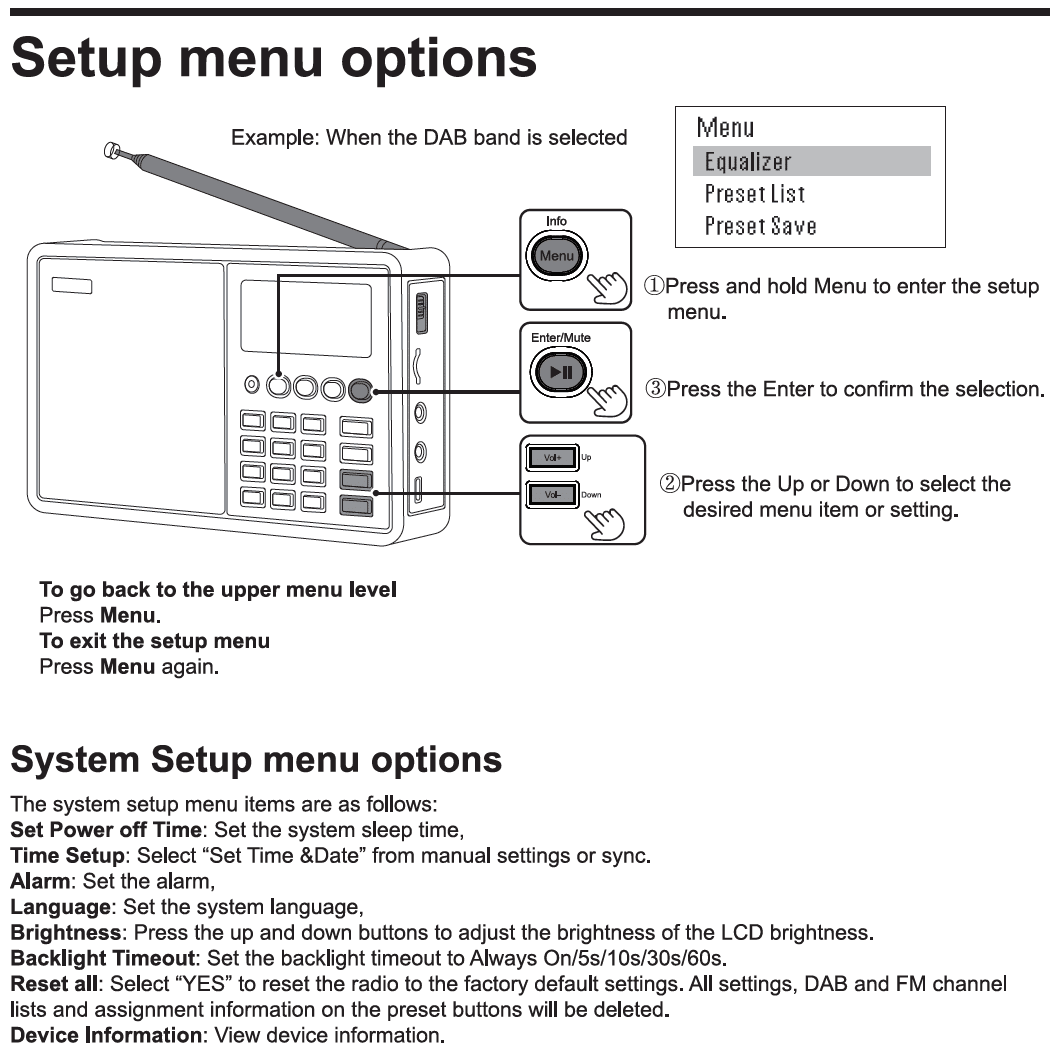
Setup Menu Options
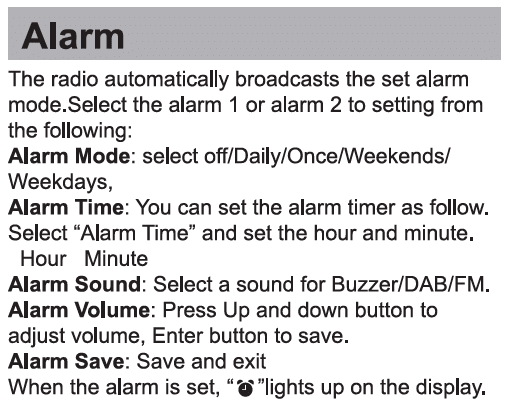
Alarm
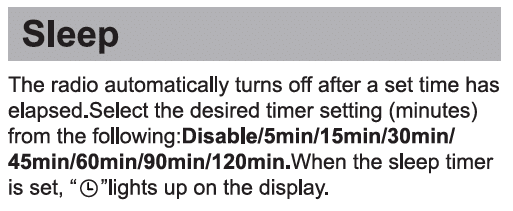
Sleep
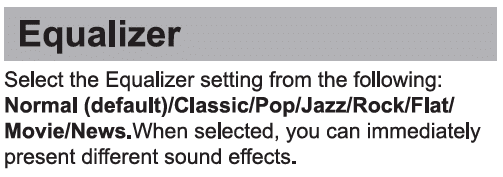
Equalizer
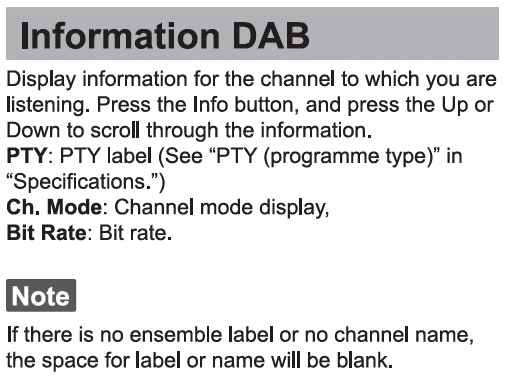
Information DAB
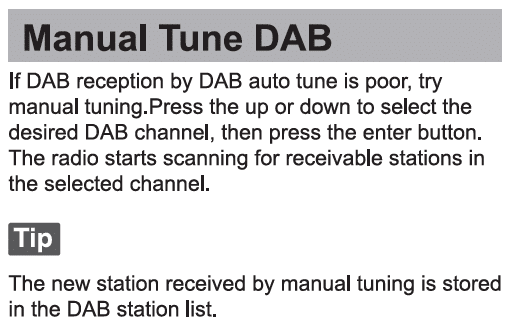
Manually Tuning DAB
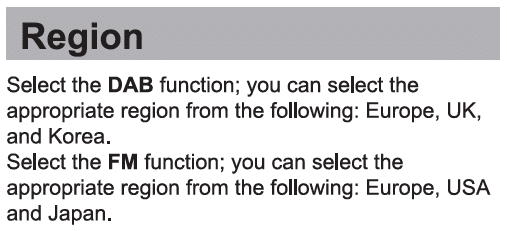
Region
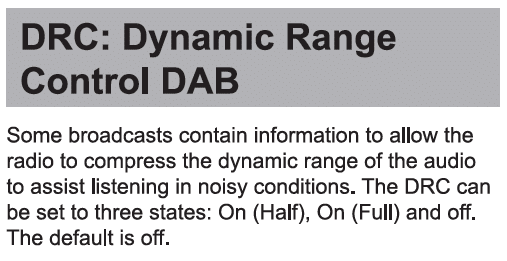
DRC: Dynamic Range Control DAB
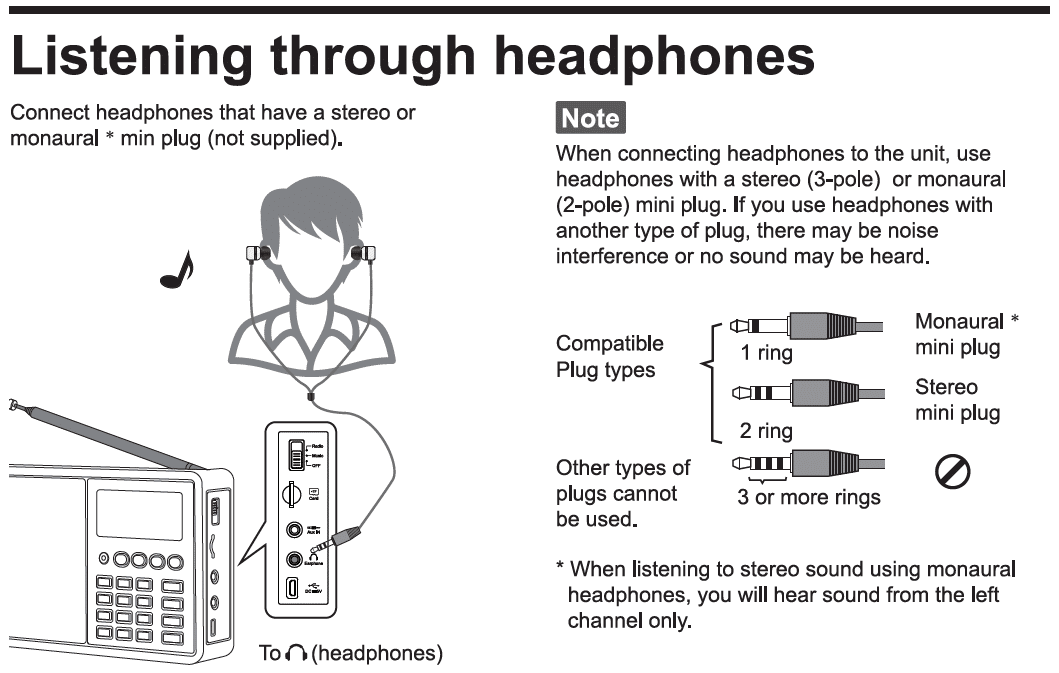
Listening Through Headphones
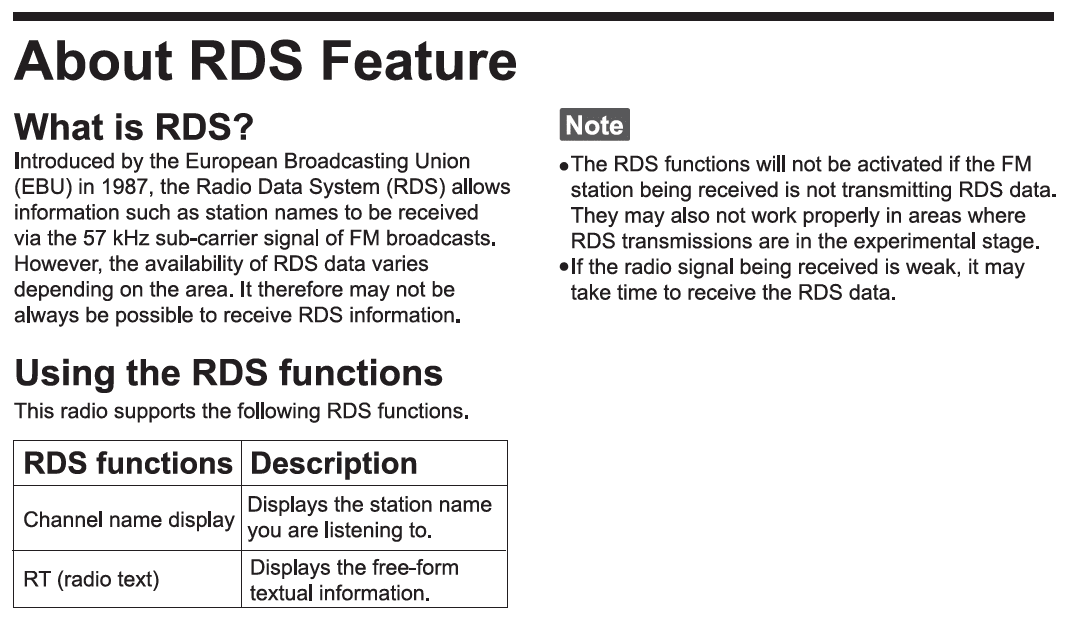
About The RDS Feature
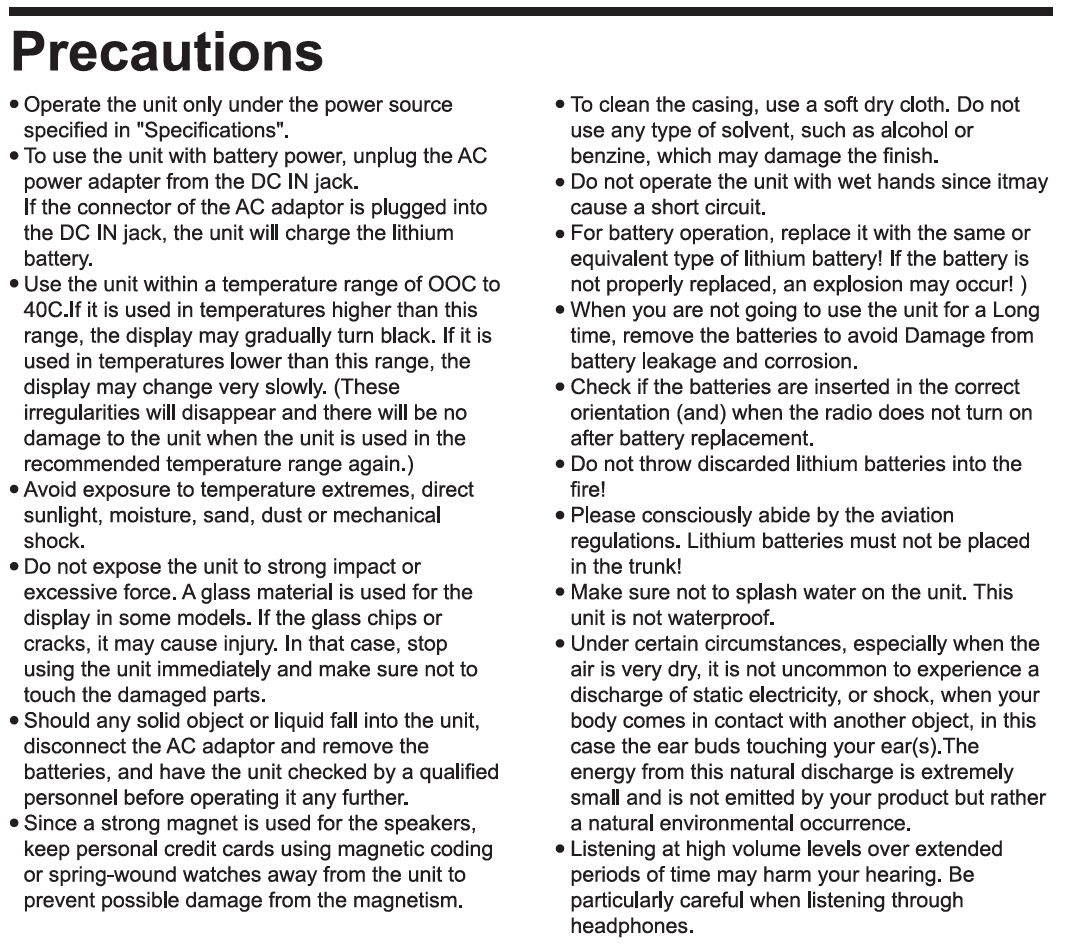
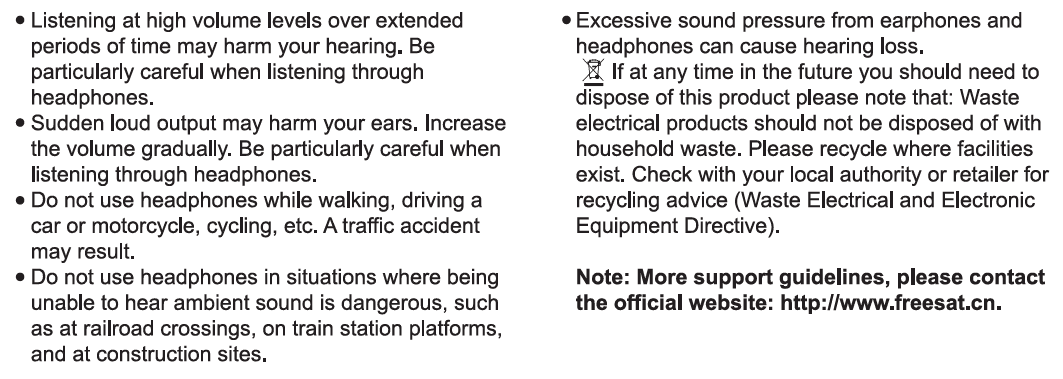
Precautions
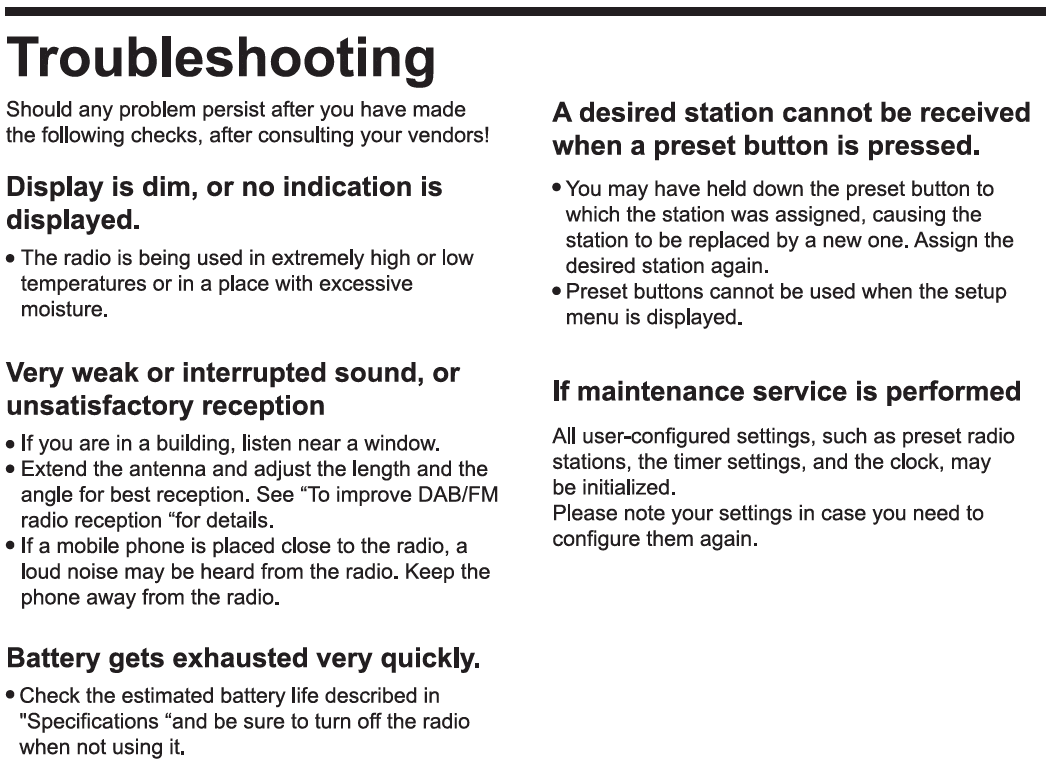
Troubleshooting
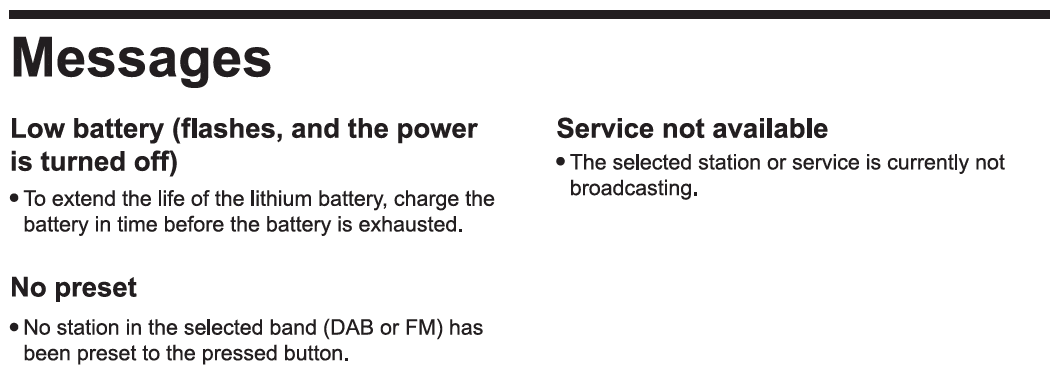
Messages
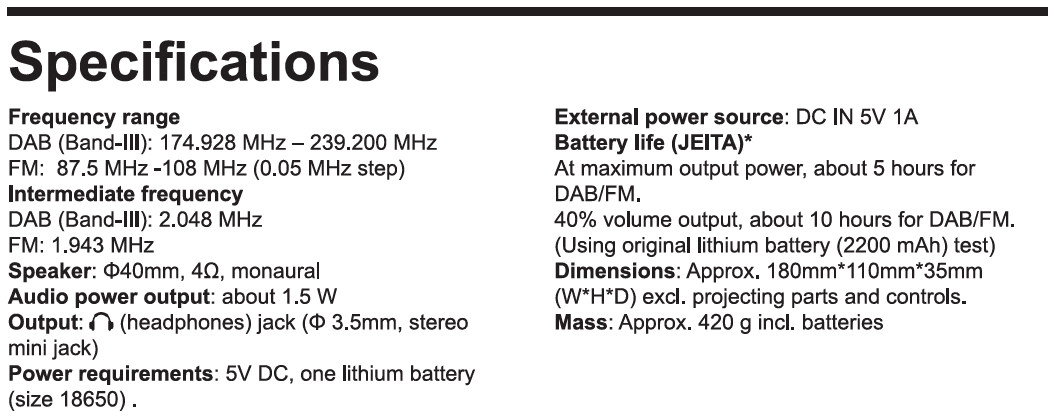
Specifications