
← Back
You are here:
Print
E3F-DS10C2 NPN Photoelectric Proximity Switch Sensor – Normally Closed User’s Guide
Last Updated On
0
0
Overview
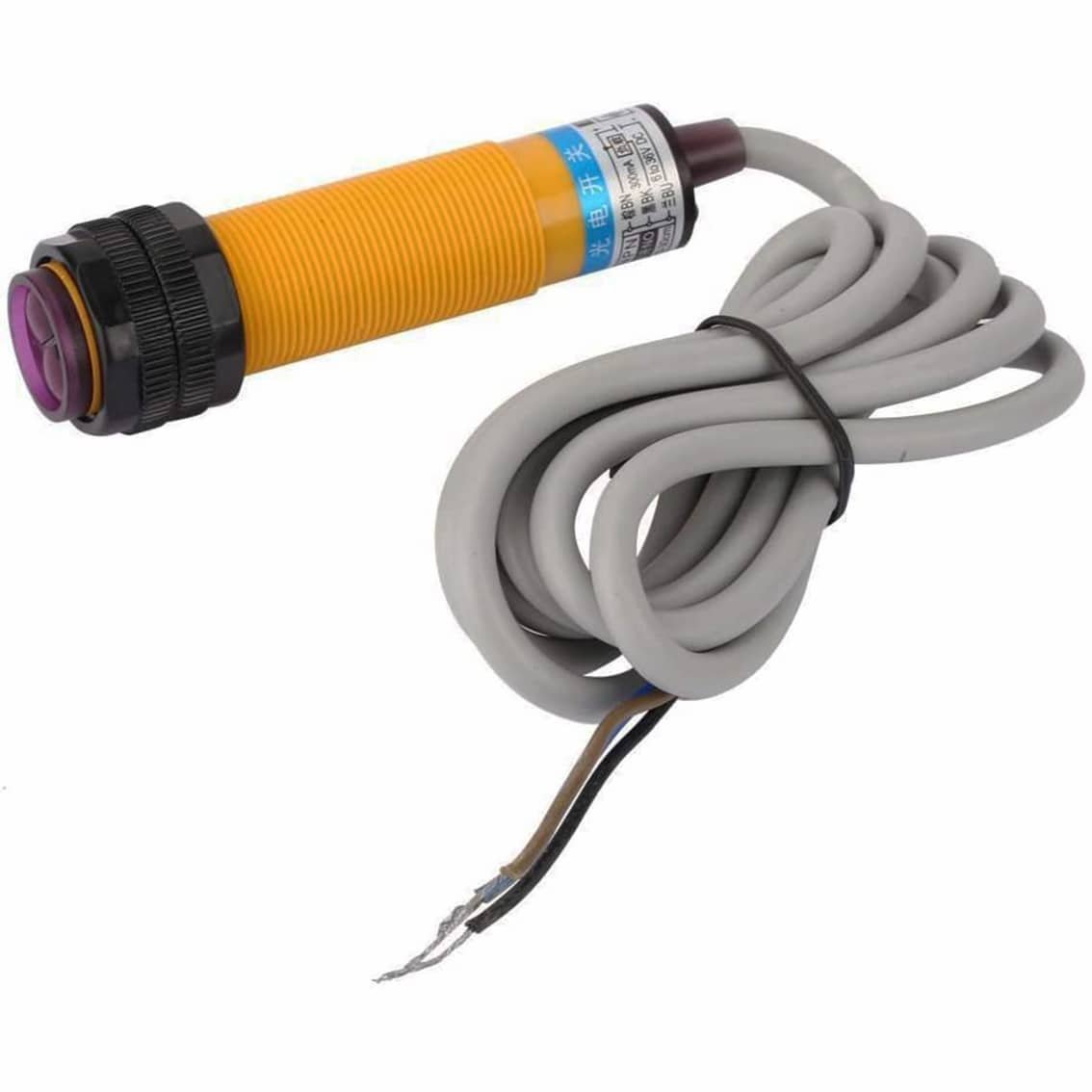
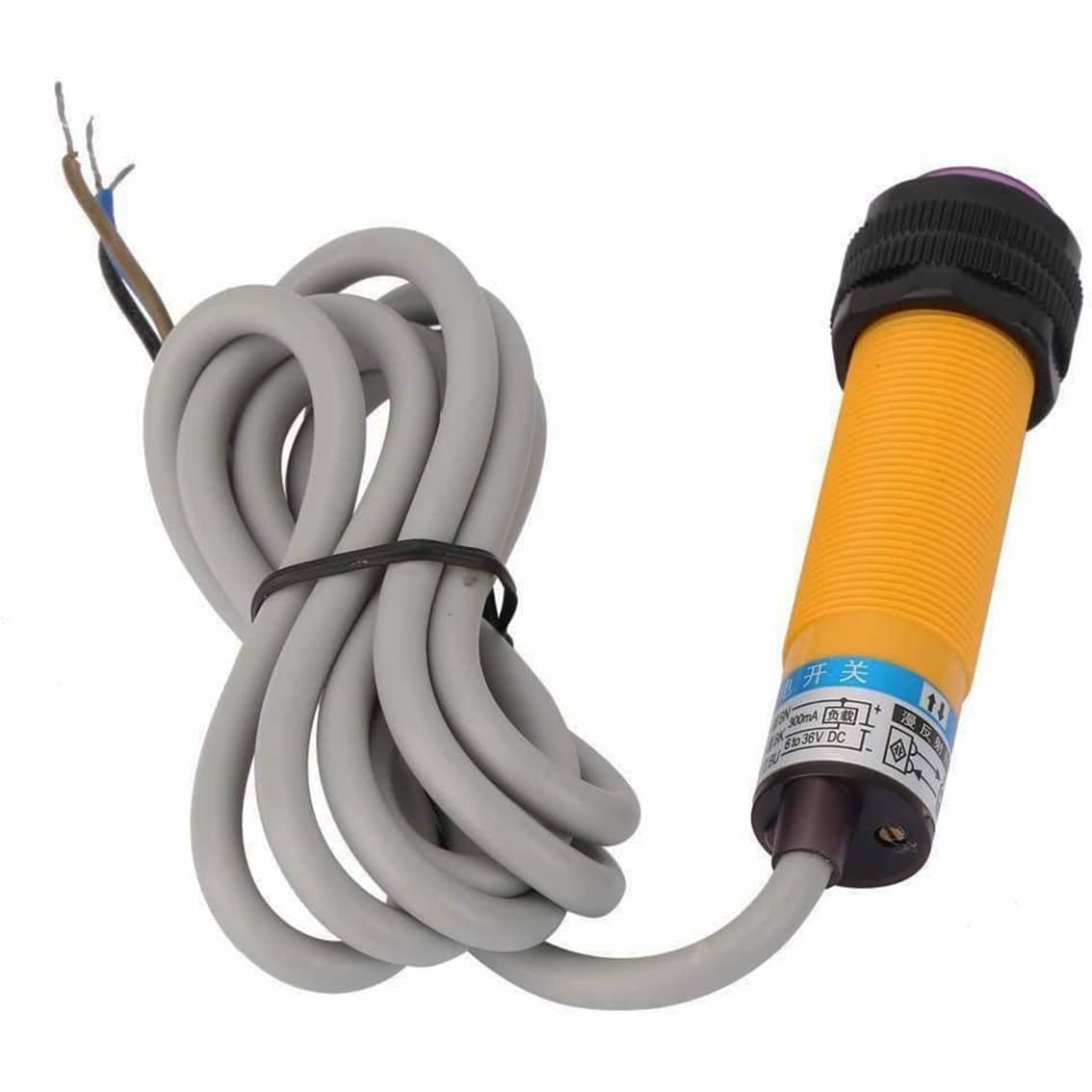
The E3F‑DS10C2 is a cylindrical photoelectric sensor used in industrial automation. It detects objects without physical contact using infrared light. This model is NPN output, Normally Closed (NC), meaning the output is active until an object is detected.
Specifications
- Model: E3F‑DS10C2
- Type: Photoelectric proximity switch
- Output: NPN, Normally Closed
- Sensing distance: ~10 cm (depends on target surface)
- Supply voltage: 6–36 V DC
- Wiring: 3‑wire (Brown = V+, Blue = GND, Black = Output)
- Body: Cylindrical, threaded, with adjustable sensitivity ring
Wiring Guide
| Wire Color | Connection | Function |
|---|---|---|
| Brown | +V (6–36 V DC) | Power supply positive |
| Blue | 0 V (Ground) | Power supply negative |
| Black | Output signal | Connect to controller input |
Note: Since it’s NPN NC, the black wire is normally connected to ground until an object is detected, at which point it opens.
Installation
- Mounting: Screw the sensor into a bracket using the threaded body.
- Alignment: Point the purple lens toward the target area.
- Wiring: Connect wires to your PLC, Arduino, or relay module according to the table above.
- Adjustment: Use the black sensitivity ring to fine‑tune detection distance.
Operation
- No object detected → Output (black wire) is grounded (low).
- Object detected → Output goes open (high impedance).
- Use a pull‑up resistor or controller input to read the signal correctly.
Applications
- Object counting on conveyor belts
- Position detection in assembly lines
- Safety interlocks in machinery
- DIY automation projects with Arduino/ESP32
Safety Notes
- Do not exceed 36 V DC supply.
- Avoid direct sunlight or reflective surfaces interfering with detection.
- Ensure proper insulation of exposed wires to prevent short circuits.
Table of Contents