
← Back
You are here:
Print
Micro SD Card Reader Module – Arduino Compatible User’s Guide
Last Updated On
0
0
Overview
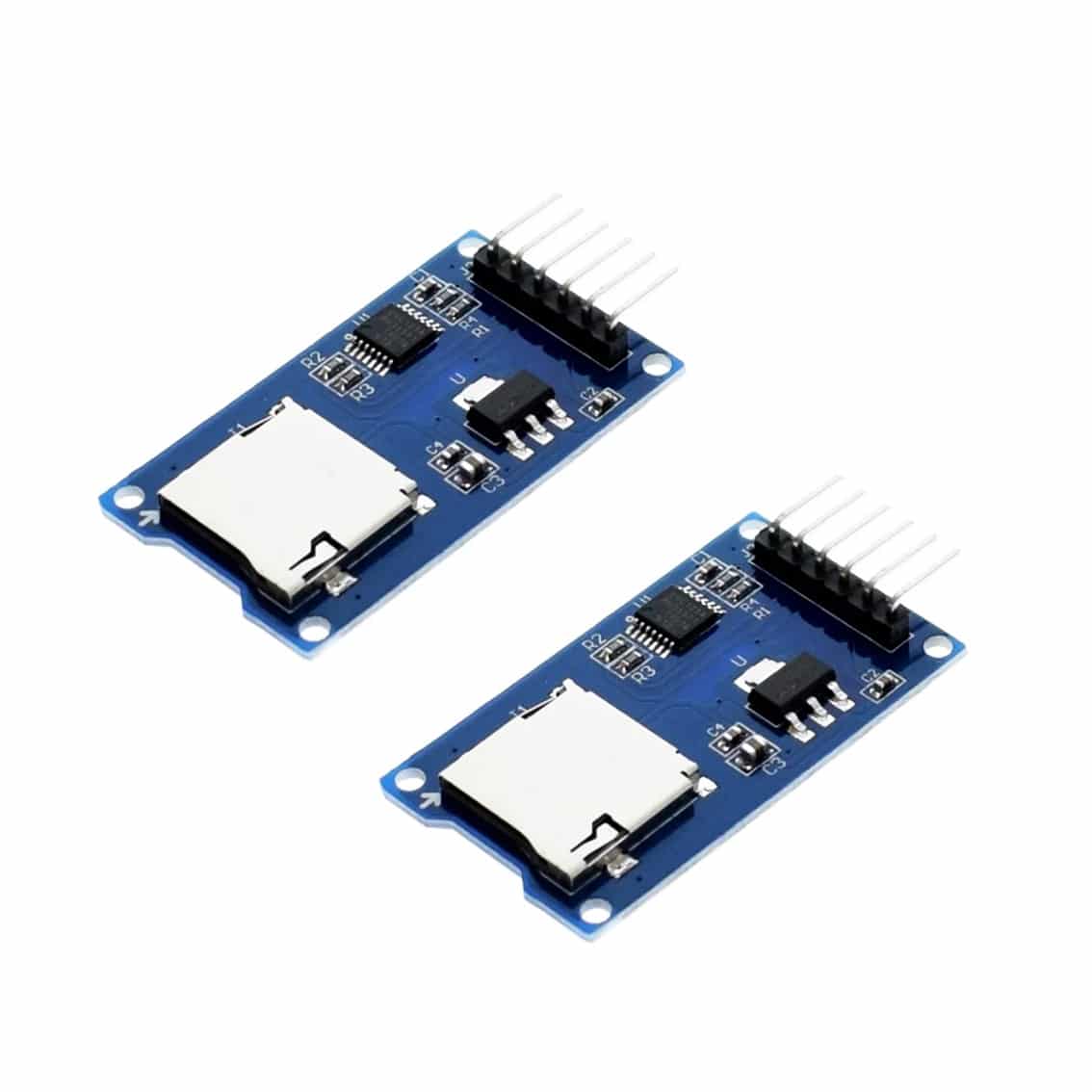
This module allows your Arduino to read and write data to a microSD card using the SPI interface. It’s perfect for data logging, sensor storage, and lightweight file handling.
Features
- MicroSD card slot (supports FAT16/FAT32 formatted cards)
- Voltage regulator (accepts 3.3 V or 5 V input, outputs 3.3 V for SD card)
- Level shifters for safe 5 V → 3.3 V logic conversion
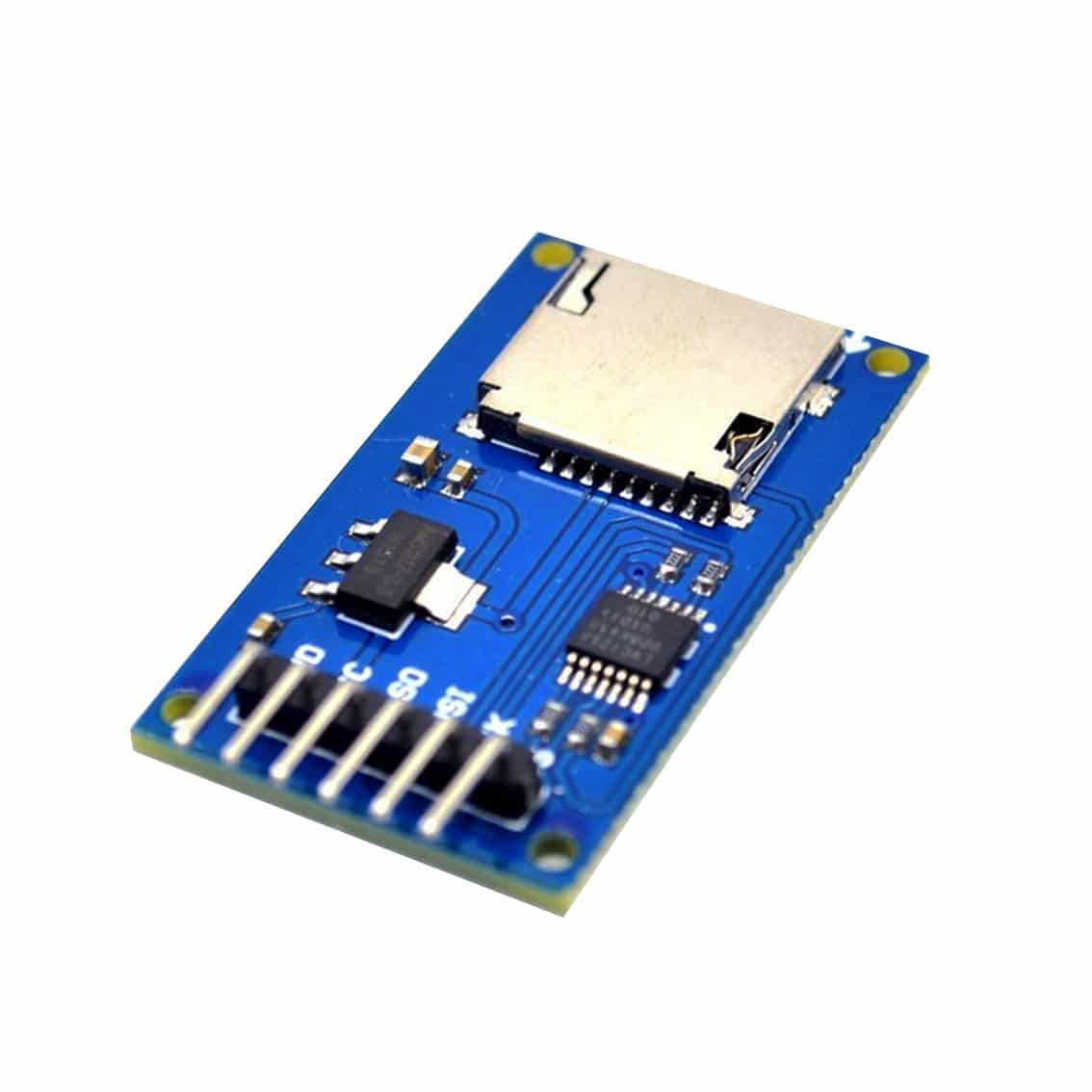
- 6‑pin header for easy connection to Arduino
Pinout
| Pin Label | Arduino Pin (UNO) | Function |
|---|---|---|
| CS | D10 | Chip Select (choose SD card on SPI bus) |
| SCK | D13 | SPI Clock |
| MOSI | D11 | Master Out → Slave In (data from Arduino to SD card) |
| MISO | D12 | Master In ← Slave Out (data from SD card to Arduino) |
| VCC | 3.3 V or 5 V | Power input (regulated down to 3.3 V) |
| GND | GND | Ground |
Setup Steps
- Connect Pins:
- CS → D10
- SCK → D13
- MOSI → D11
- MISO → D12
- VCC → 5 V (or 3.3 V if preferred)
- GND → GND
- Insert microSD Card (formatted FAT16/FAT32).
- Install Arduino Library:
SD.h(built‑in). - Upload Example Sketch:
#include <SD.h> const int chipSelect = 10; void setup() { Serial.begin(9600); if (!SD.begin(chipSelect)) { Serial.println("SD card initialization failed!"); return; } Serial.println("SD card ready."); File logFile = SD.open("log.txt", FILE_WRITE); logFile.println("Hello, SD card!"); logFile.close(); } void loop() { // Add sensor logging here } - Check Serial Monitor for confirmation.
- Remove SD Card and read files on your computer.
Troubleshooting
| Issue | Cause | Solution |
|---|---|---|
| SD card not detected | Wrong CS pin or bad format | Ensure CS = D10, reformat card FAT16/FAT32 |
| Data not saving | File not opened correctly | Verify SD.open() and permissions |
| Module overheats | Wrong supply voltage | Use 5 V only if regulator present; otherwise 3.3 V |
Tips
- Keep SPI wires short (<10 cm) to avoid noise.
- Use shielded wires if logging in noisy RF environments.
- Always call
logFile.close()after writing to prevent corruption. - For multiple modules, assign different CS pins.
Table of Contents