Trying to find the right kind of Arduino display screen to use for your projects? Find it here.
Introduction
Several factors go into deciding what Arduino display screen to use. What’s best for your project? What interface do you need? Is power consumption critical for you? Do you also need touch control? These are questions you must ask yourself before picking your Arduino display screen.
Different Kinds of Arduino Displays
Below are some of the different kinds of Arduino display screens you may encounter while doing your projects. Each has its advantages and disadvantages. It’s up to you to decide which one suits your needs.
OLED Displays
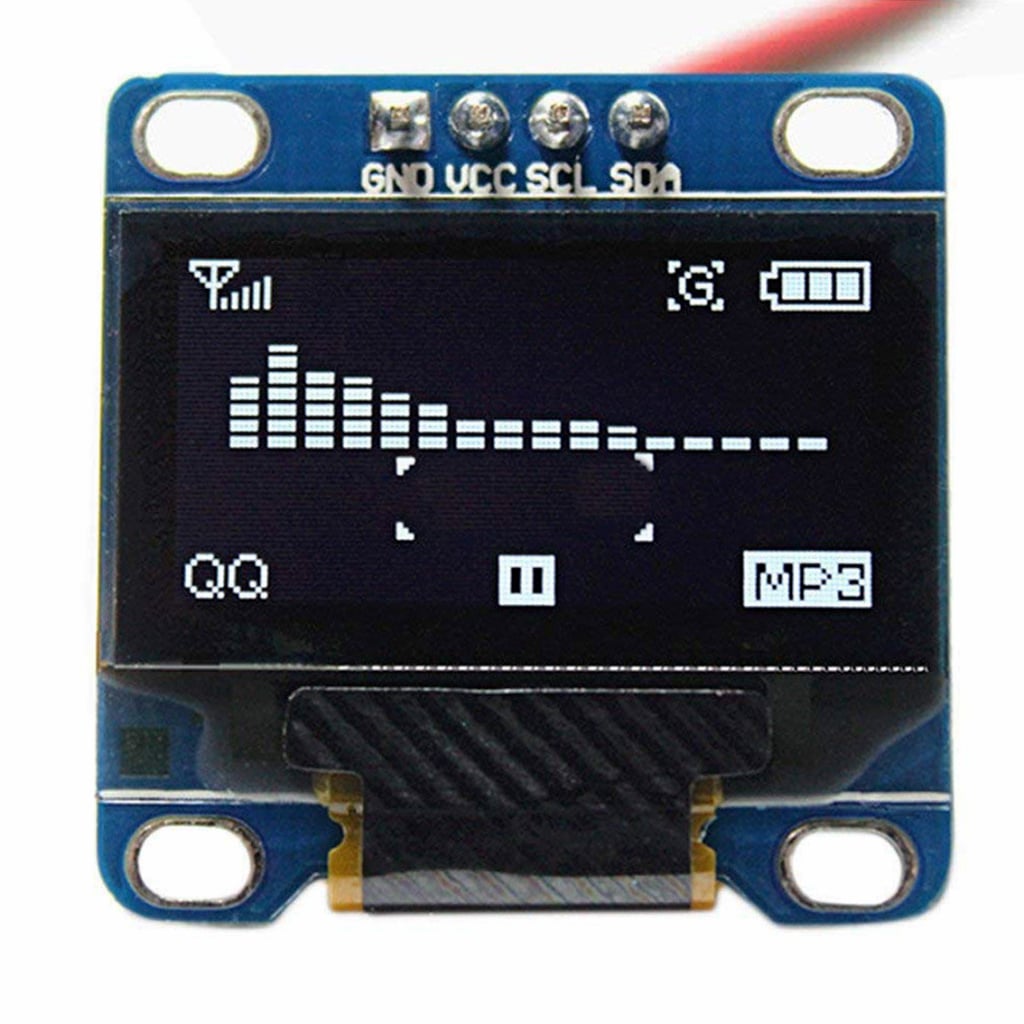
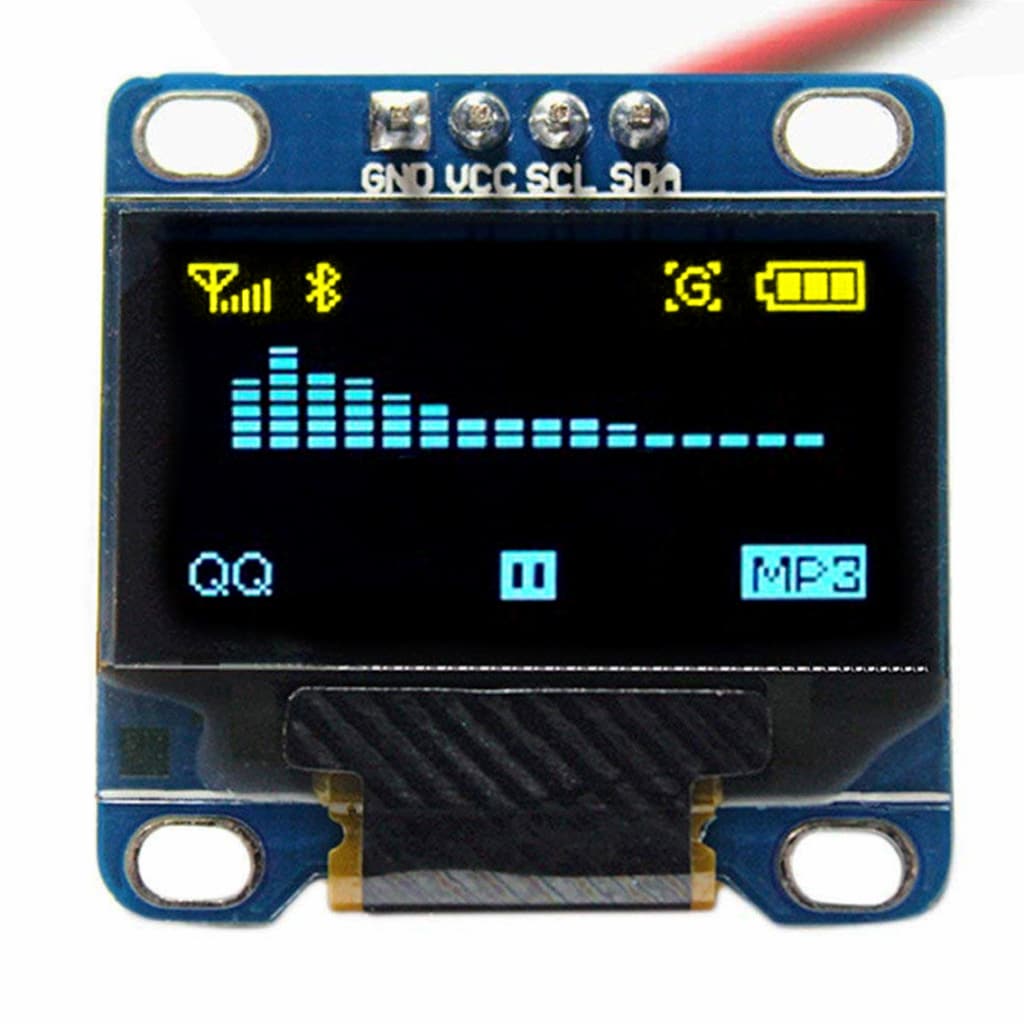
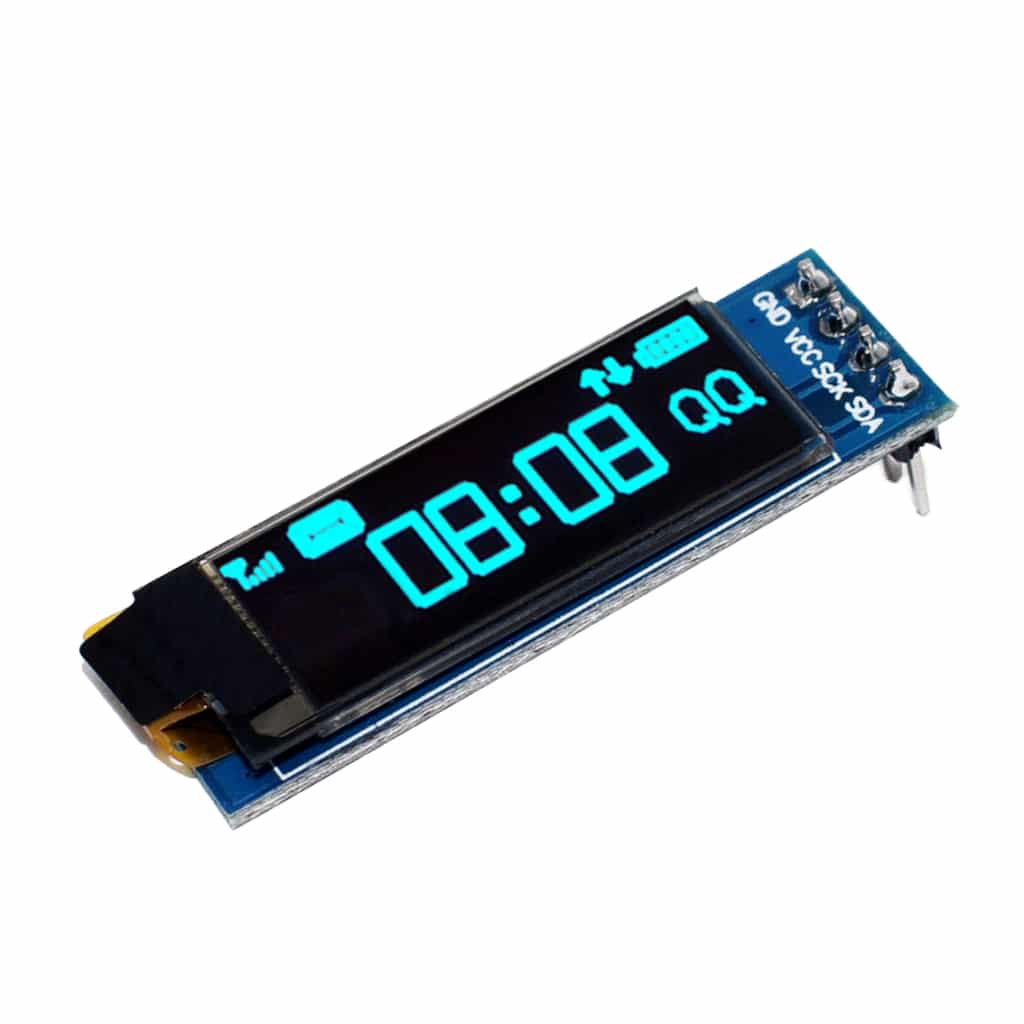
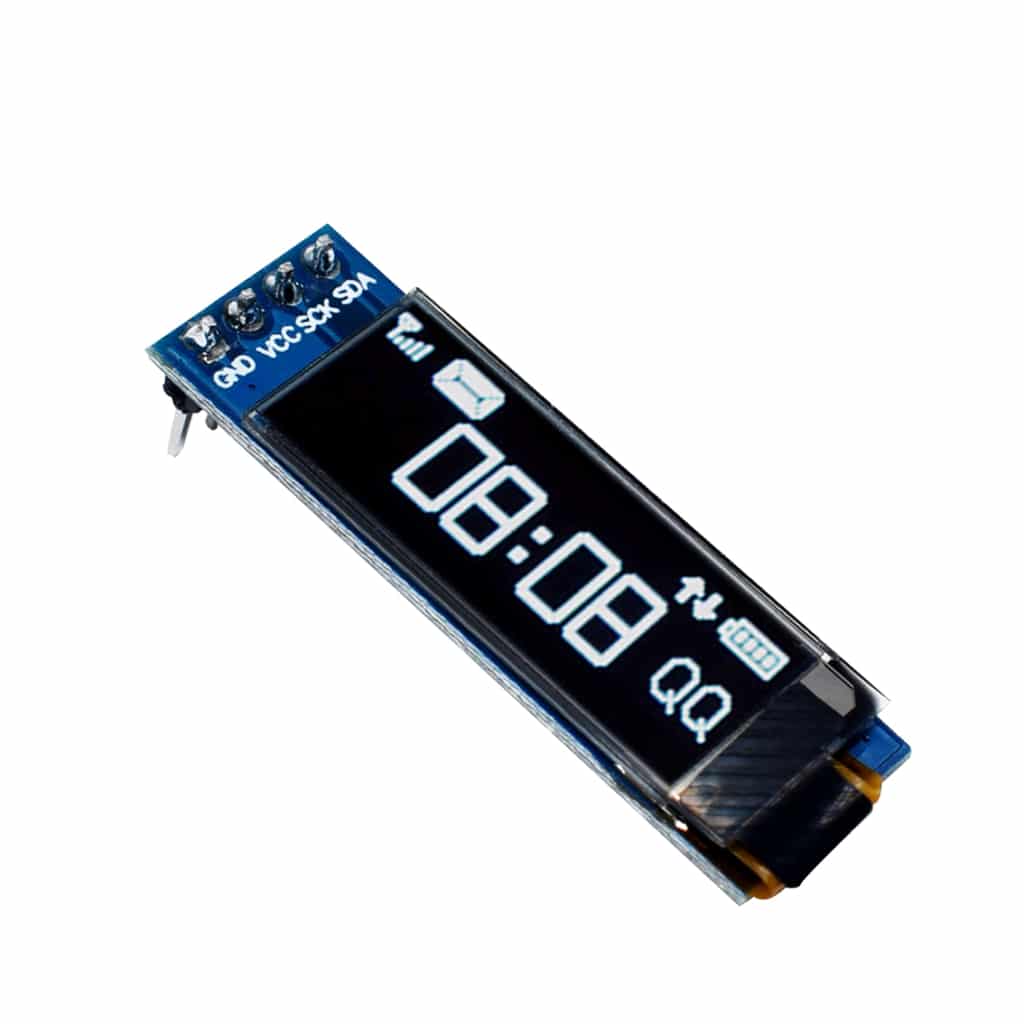
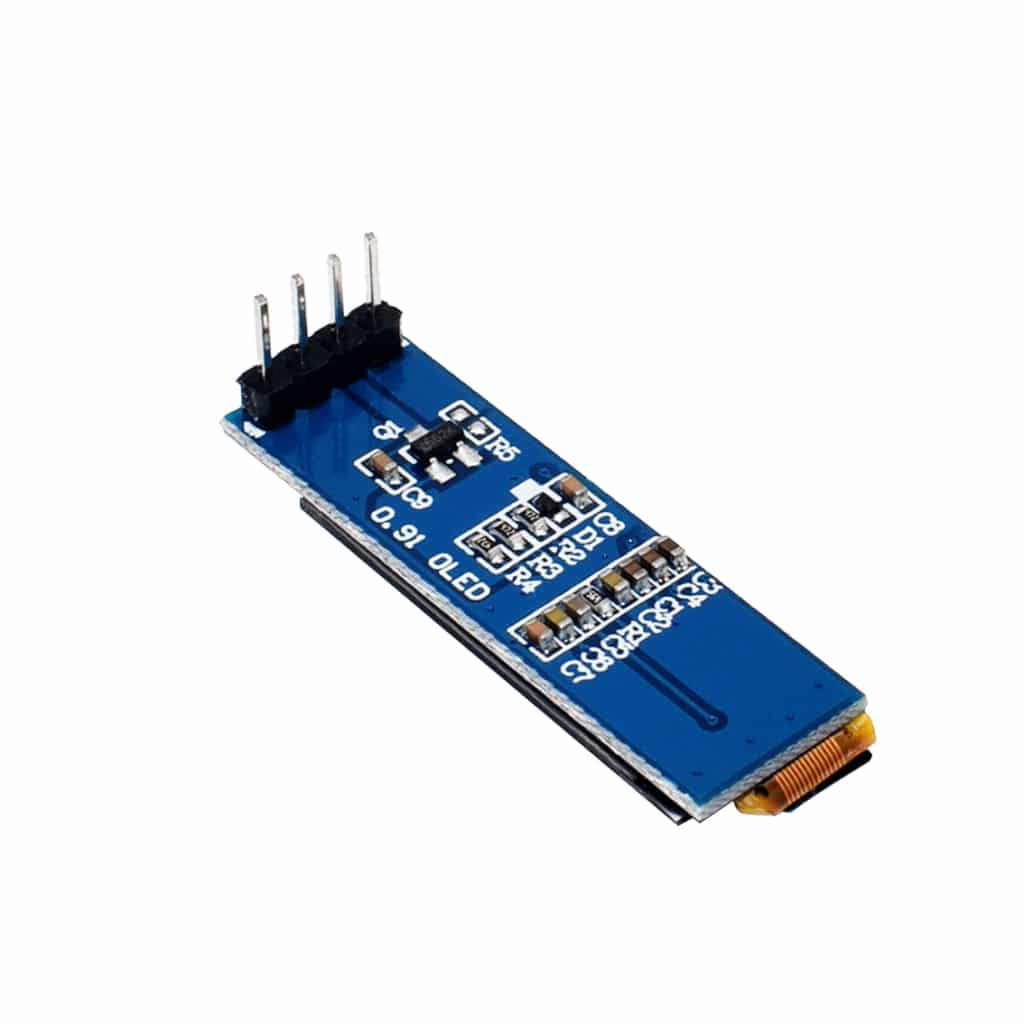
OLED stands for Organic Light-Emitting Diode. This kind of display uses organic compounds to emit light in conjunction with electric current flow. OLEDs don’t need a backlight; every pixel emits its own light. This process makes OLEDs have very high contrast ratios, unlike traditional LCD displays.
When using OLED in Arduino, you’ll usually find a single function to refresh the OLED display and display your text or graphics. This function pushes the contents of the RAM to the screen for optimized performance.
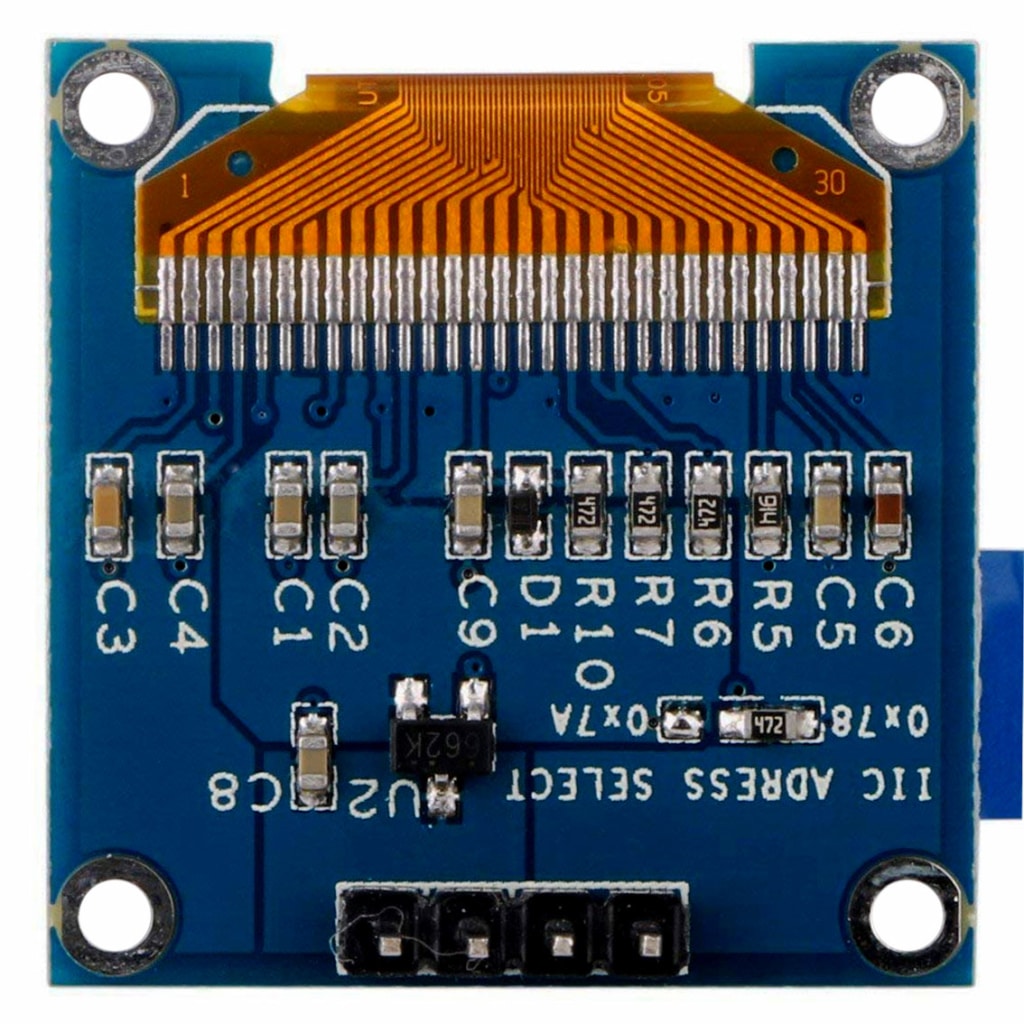
There are different interfaces you can choose from. Some OLEDs have I2C, while others have an SPI interface. There are also different display colors to choose from.
Character/Graphical LCD Displays
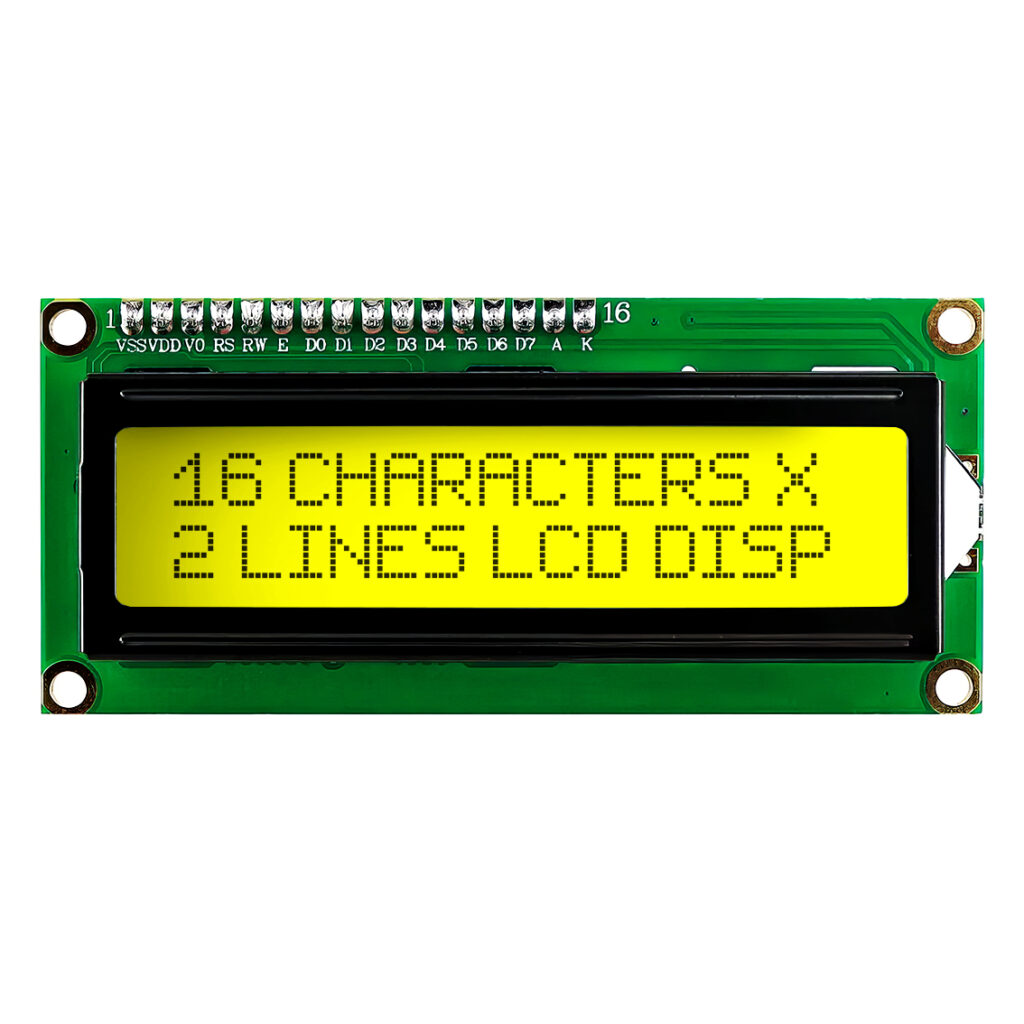
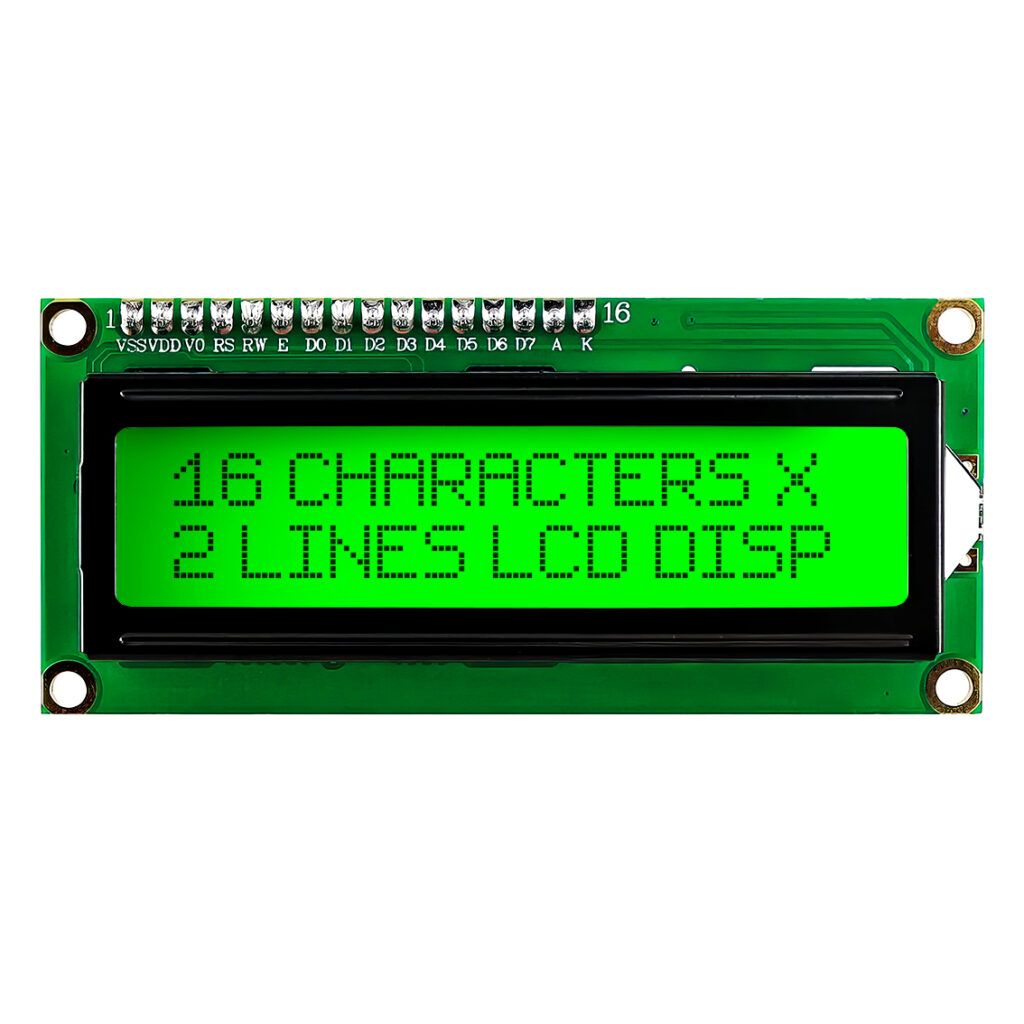
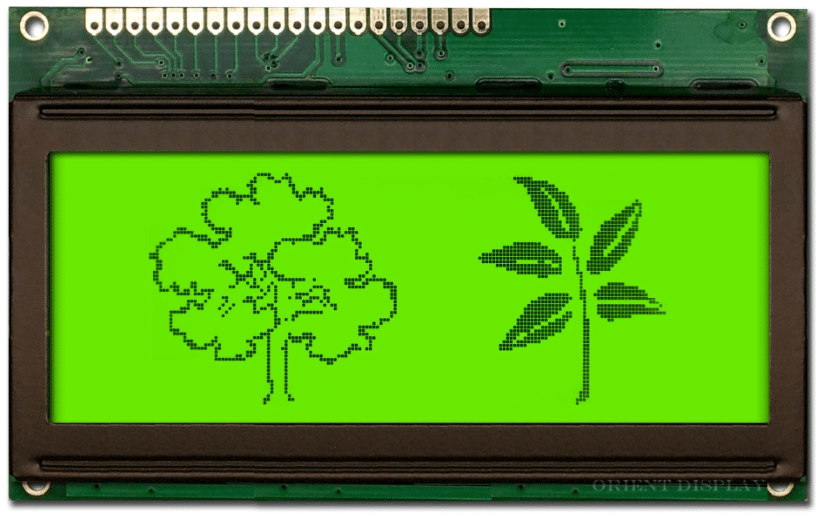
LCD stands for Liquid Crystal Display. LCDs are known to have low power consumption. However, they may need a backlight to read them in the dark, which can increase power consumption. LCDs are a good alternative to OLED screens, especially if you have power-constrained applications. Note that you may have to optimize your circuit and code to be able to utilize the full-benefits of low power consumption.
Image: Orient Displays
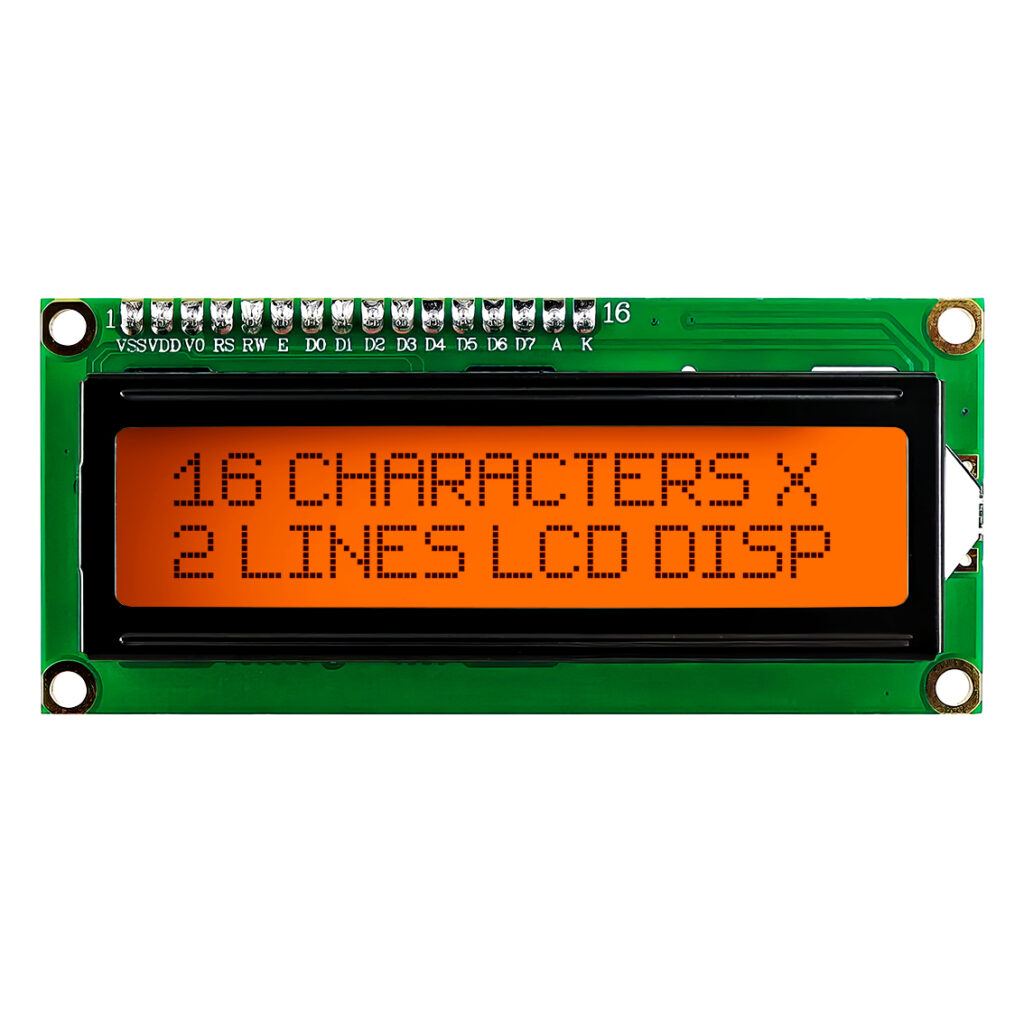
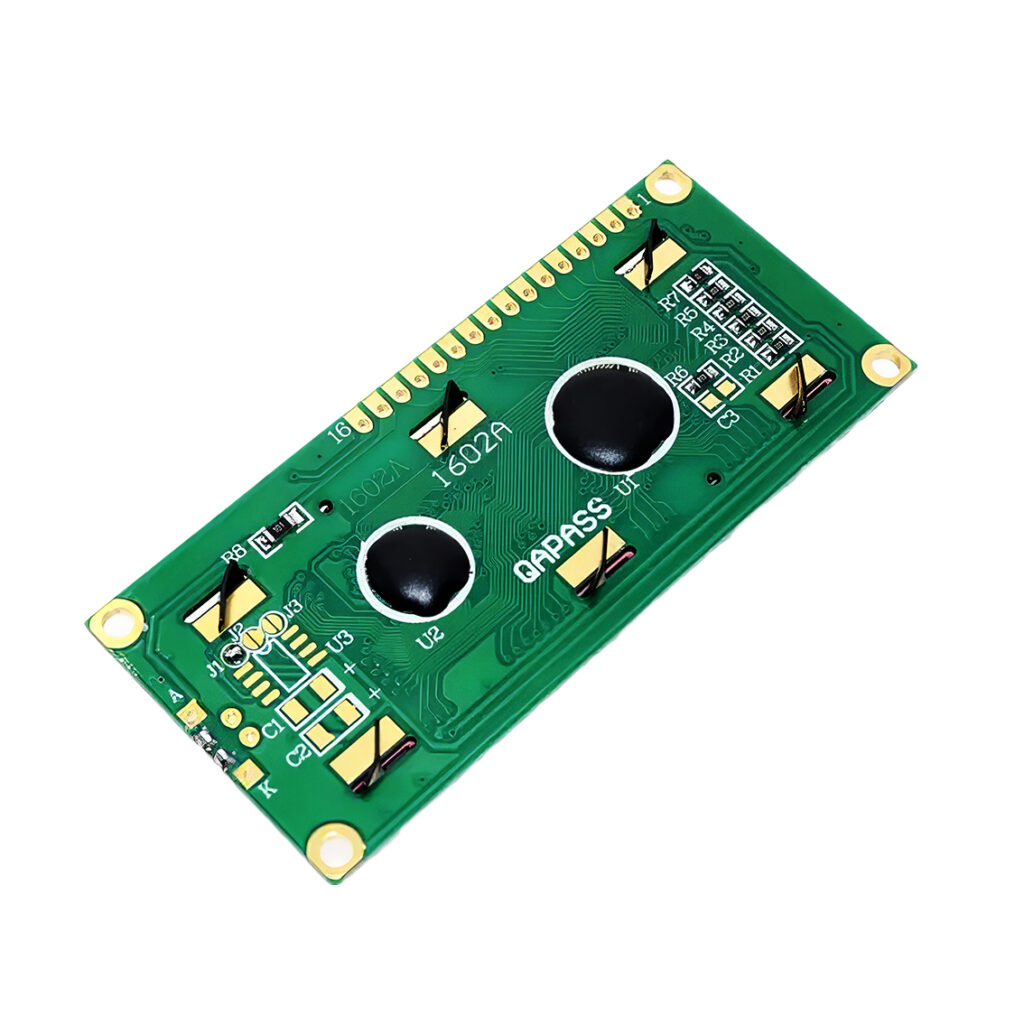
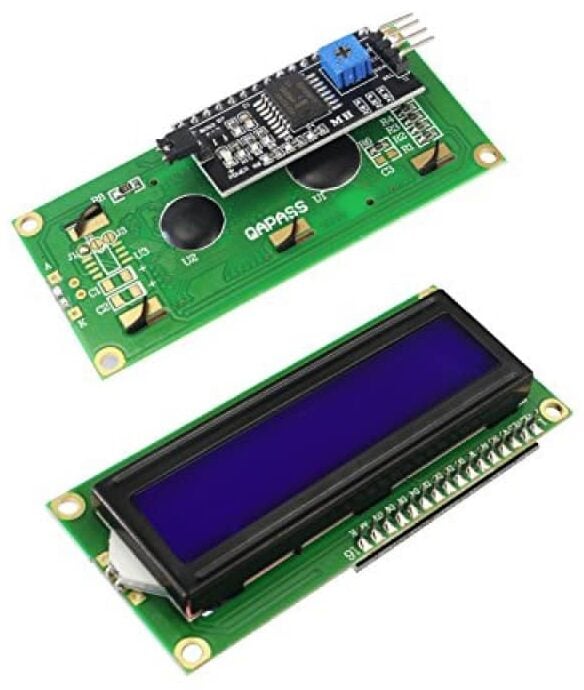
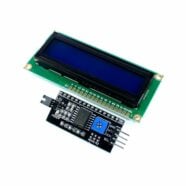
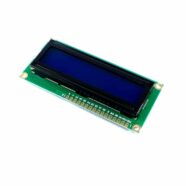
Character/Graphical LCDs typically have a parallel I/O interface. This means they have both data and strobe or clock lines to be able to input or output data. A popular character LCD is the 1602 (meaning it can display a maximum of 16 characters by 2 lines) that comes with an HD44780 controller chip. There are adapter boards that connect to these displays so that they can input or output data serially in I2C format by using the PCF8574 chip and module.
TFT LCD Displays
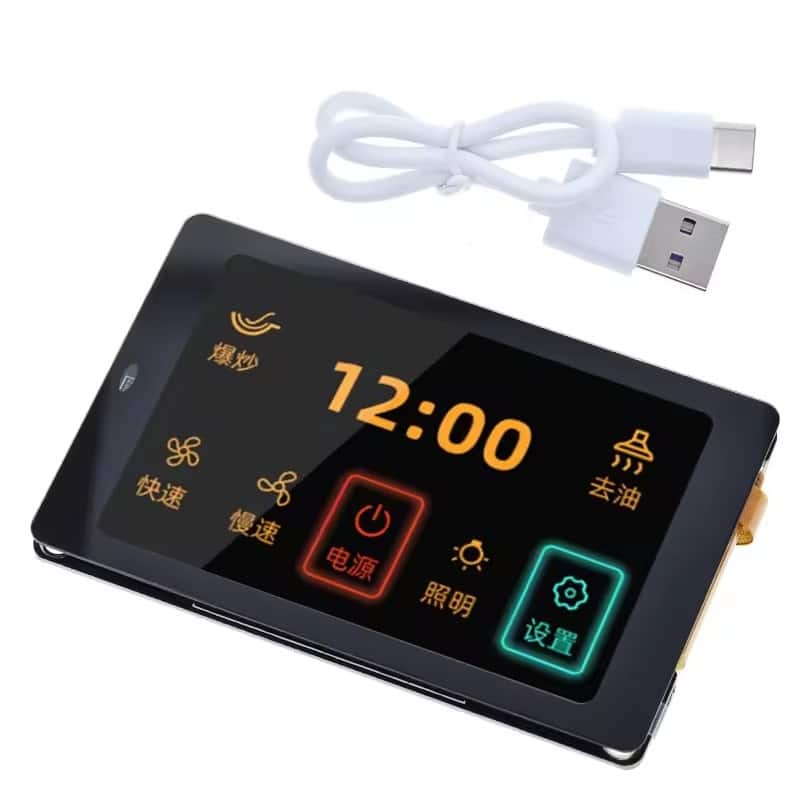
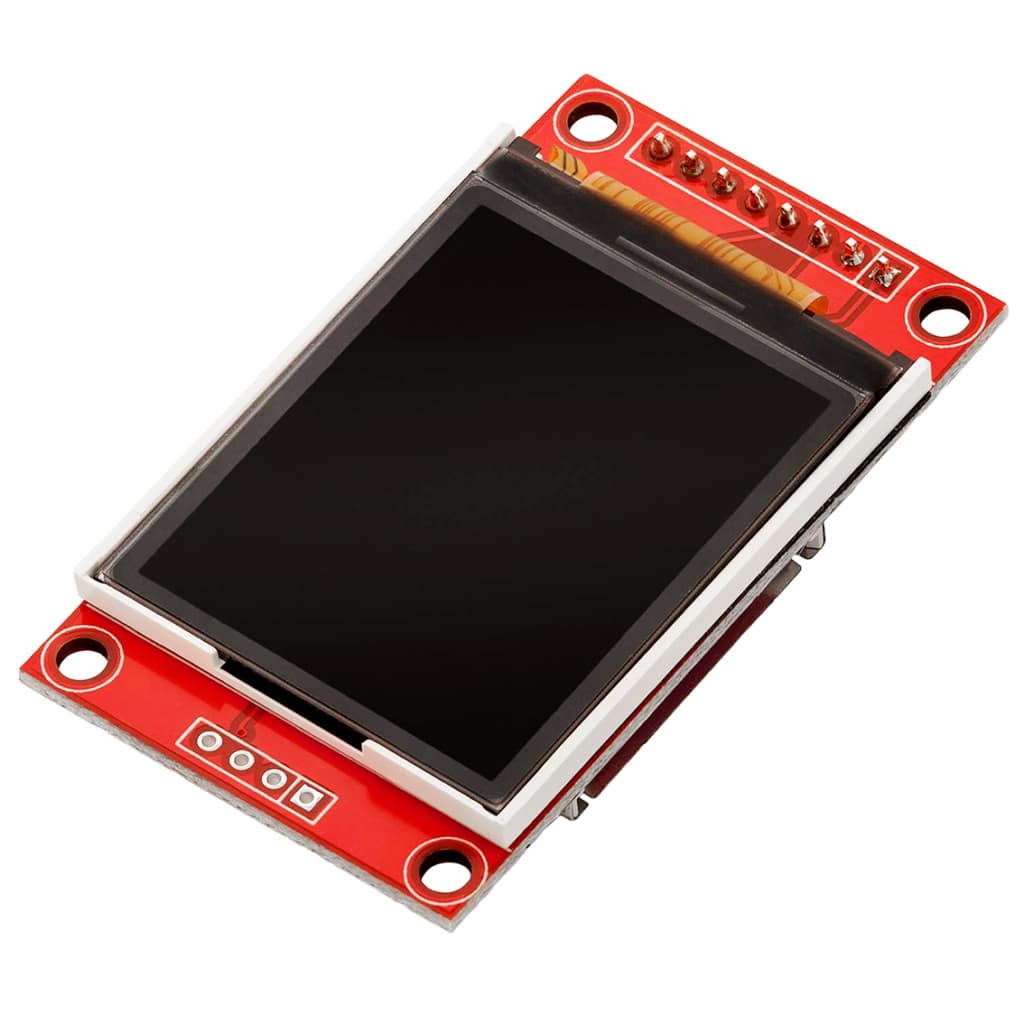
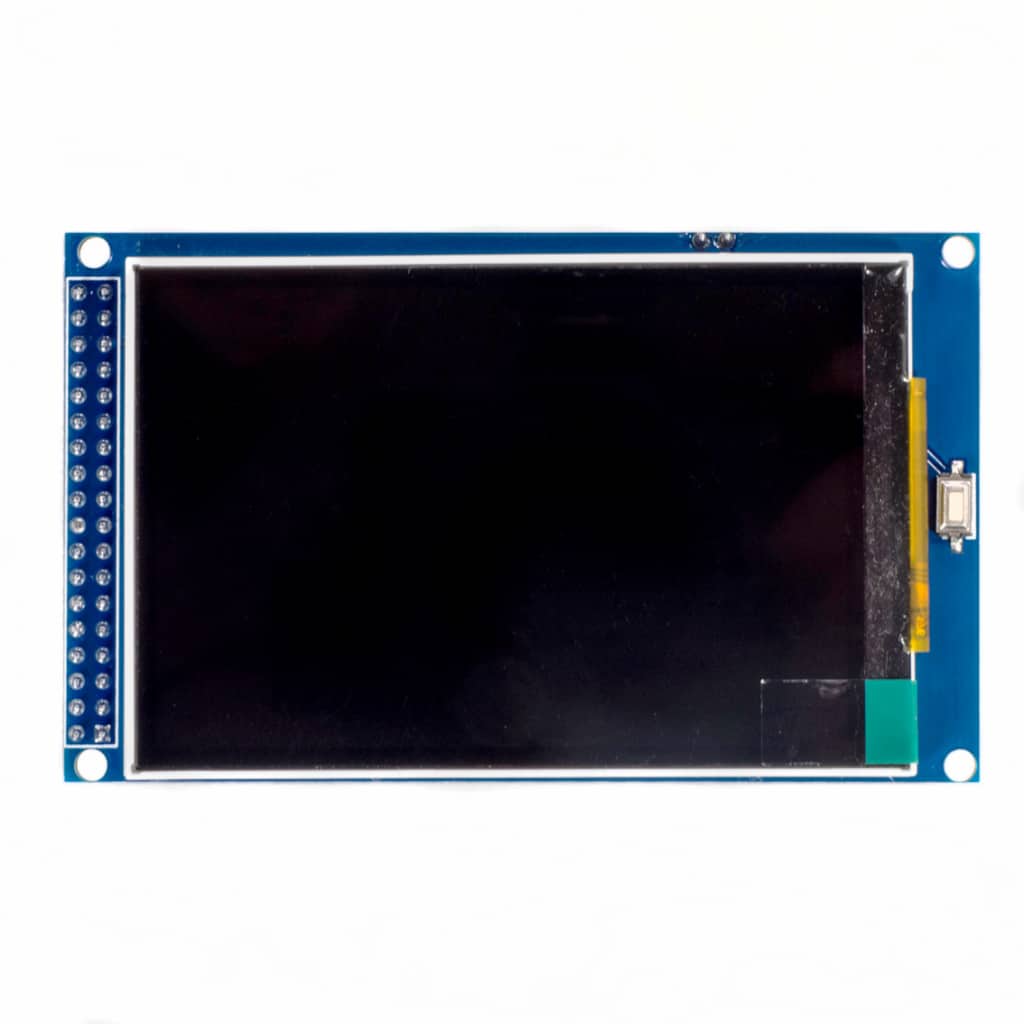
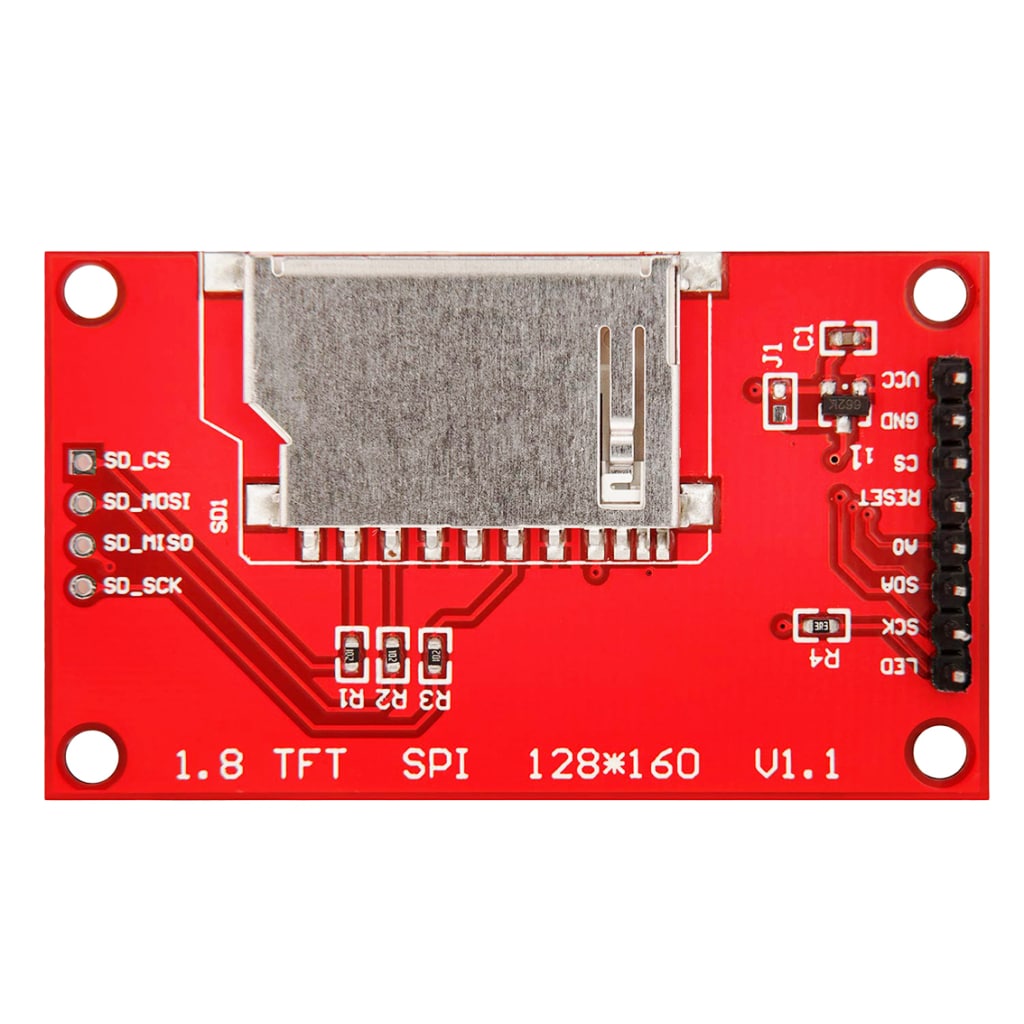
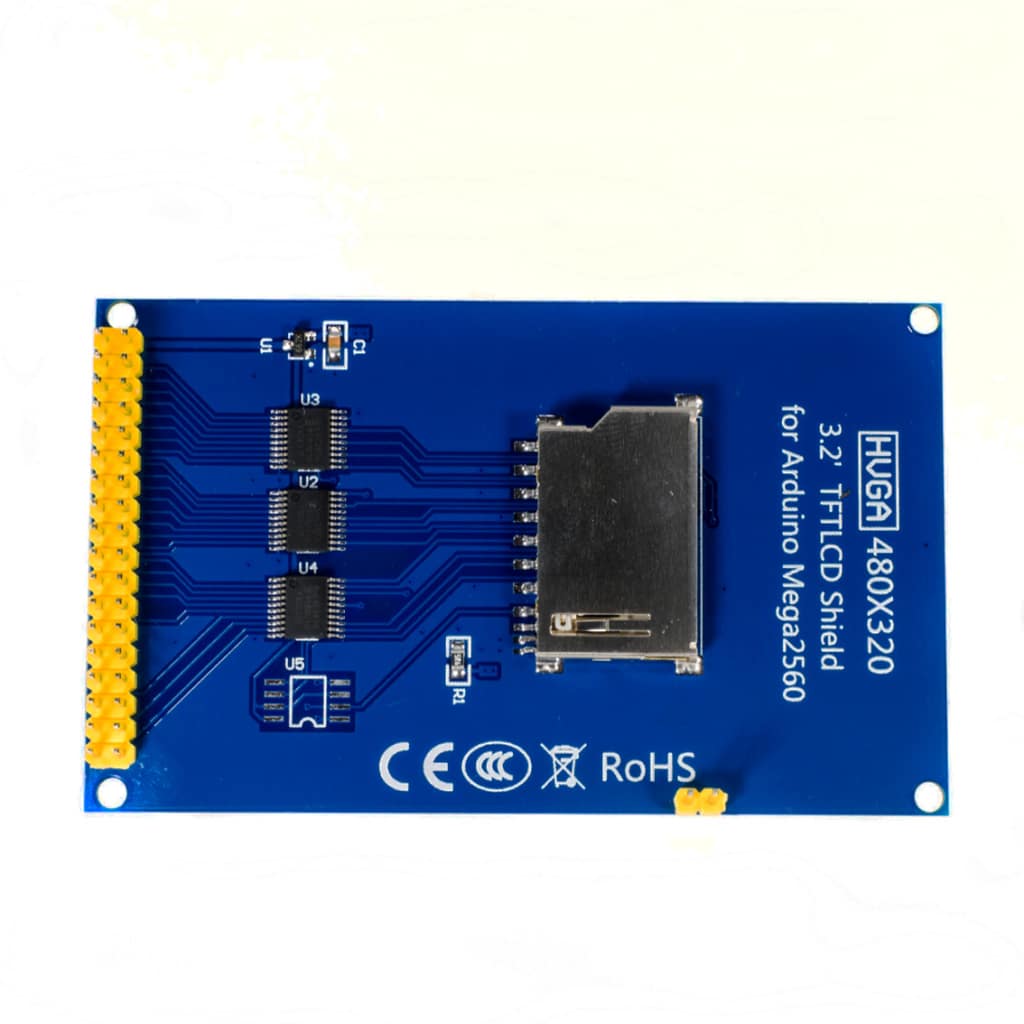
TFT LCD stands for Thin-Film Transistor Liquid Crystal Displays. These displays can display high-resolution graphics in color. With this, TFT LCDs can be used in mobile phones, tablets, and other projects requiring sophisticated graphics.
You can have touch capability on a TFT as long as there is a chip inside it with this capability. Cheaper displays incorporate a simple resistive touch sensor IC such as the XPT2046 (or ADS7843). An example application such as can be found here. Newer displays can implement capacitive touch, which is more responsive. Examples of these touch ICs are CST816S, and FT6206.
Seven Segment Displays
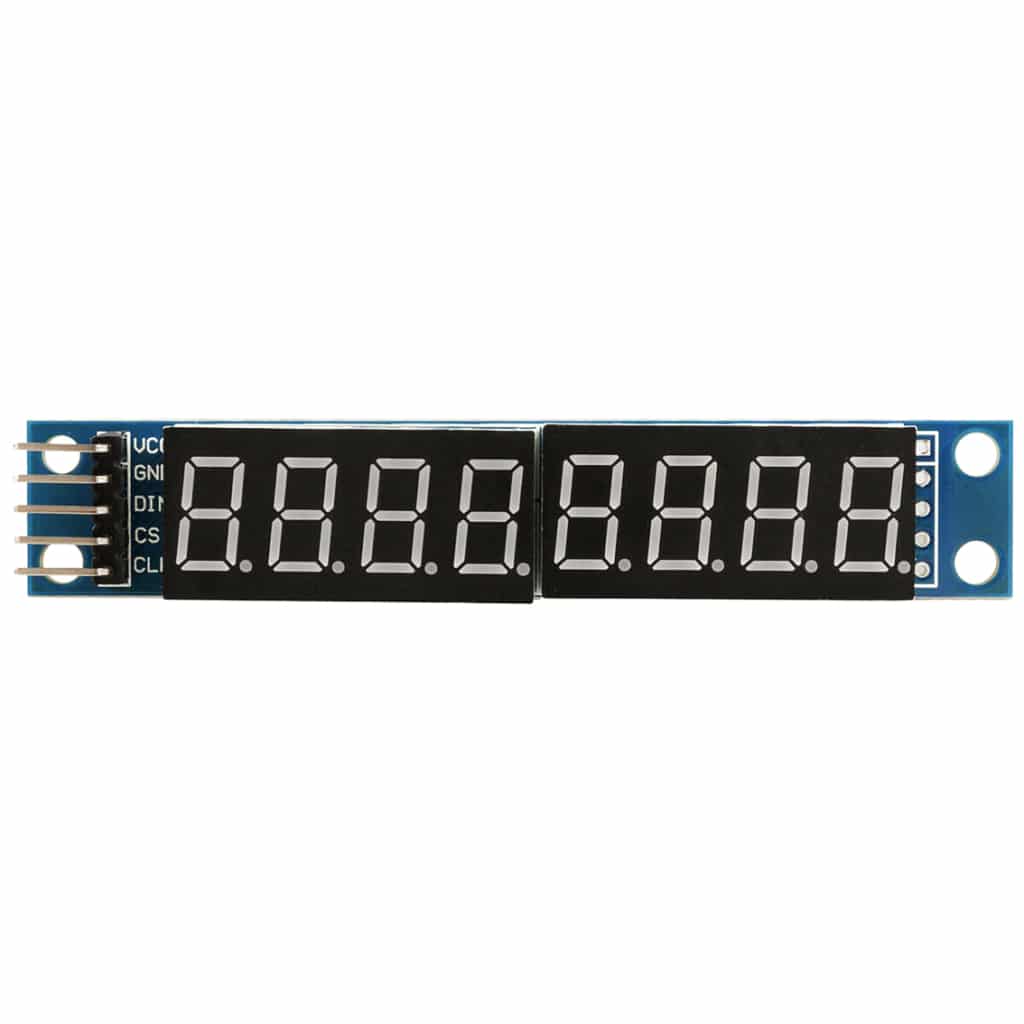
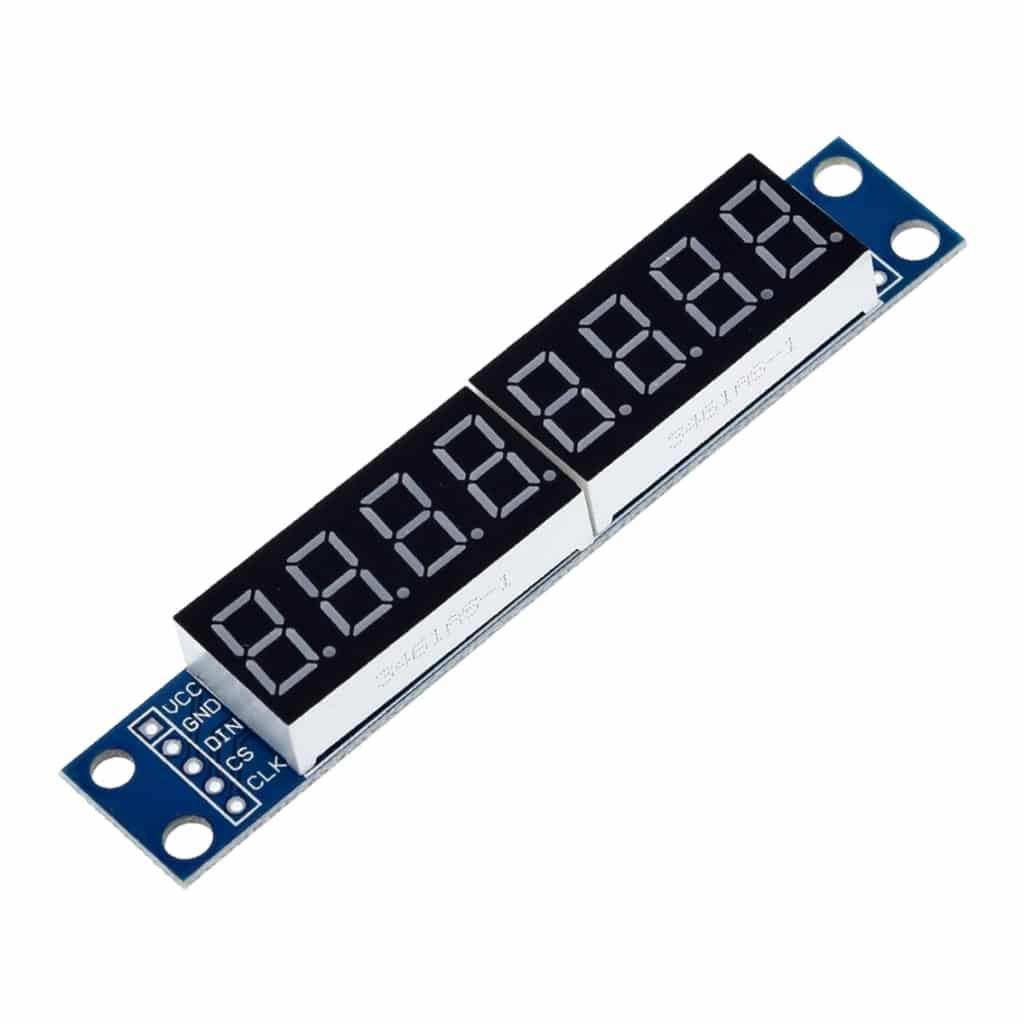
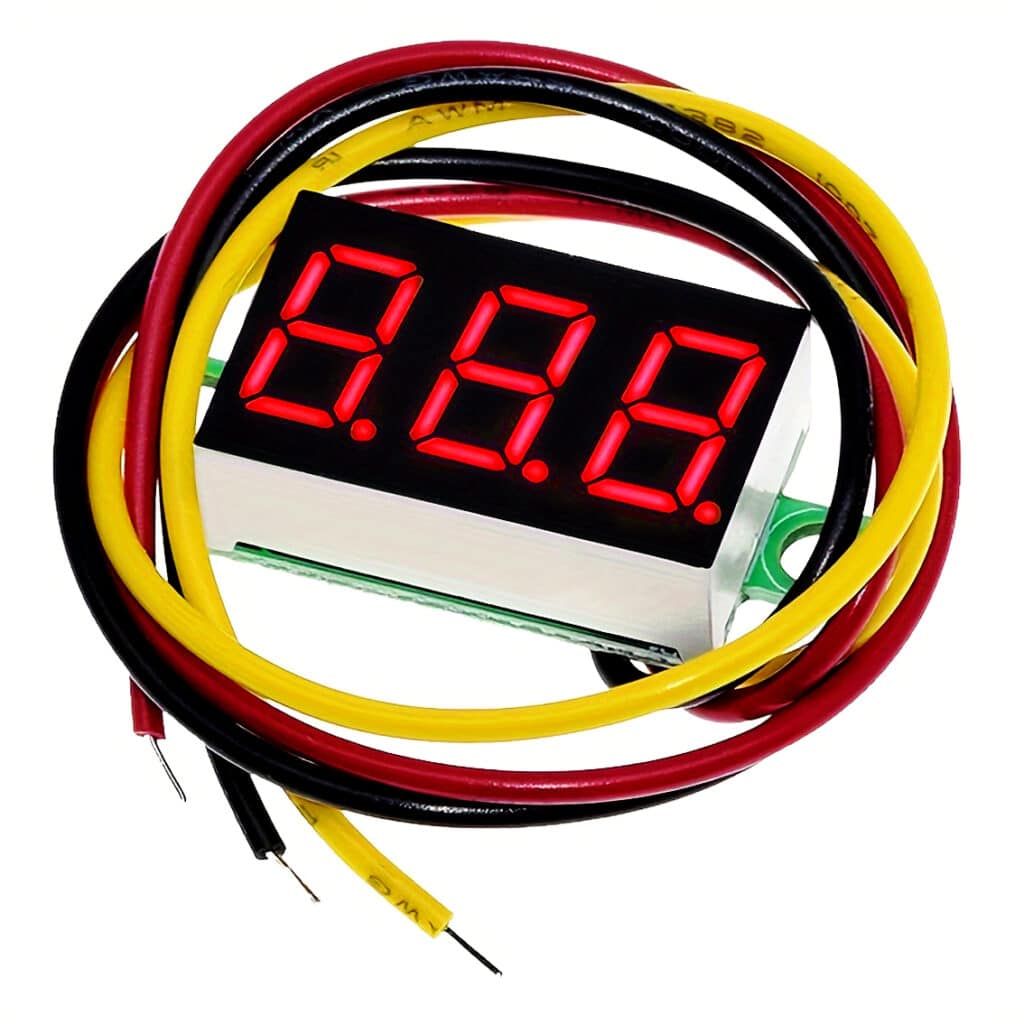
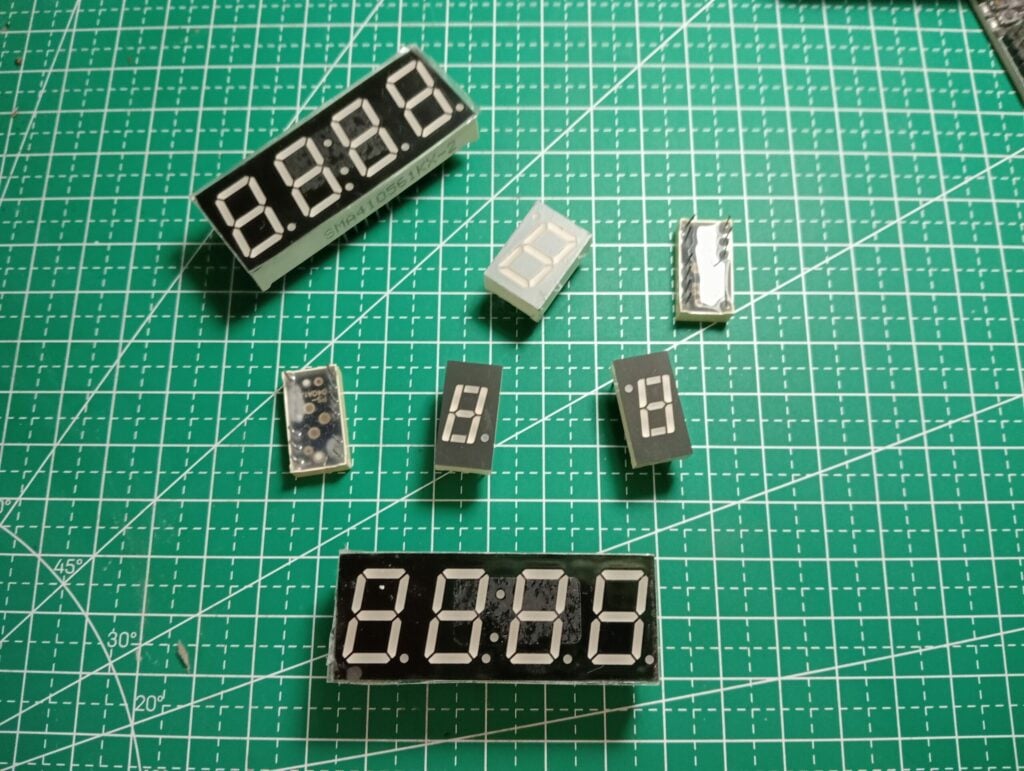
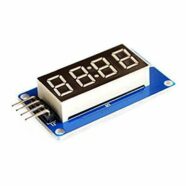
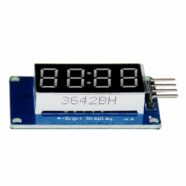
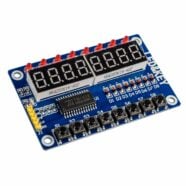
If you’re looking for cheaper alternatives, seven-segment display types might be the way to go. These displays are found mostly on digital clocks, instrument panels, and other embedded electronics. Seven segments are composed of individual LED segments (usually labeled from A to G) that light up depending on which segment is turned on. They usually form a numerical 8-character symbol that can create several alphanumeric values.
A disadvantage of LED seven-segment displays is that they require a considerable amount of power to run, especially when many segments are turned ON. LED forward currents can go as high as 20mA; so the more segments are turned ON, the higher the power consumption of the seven-segment display.
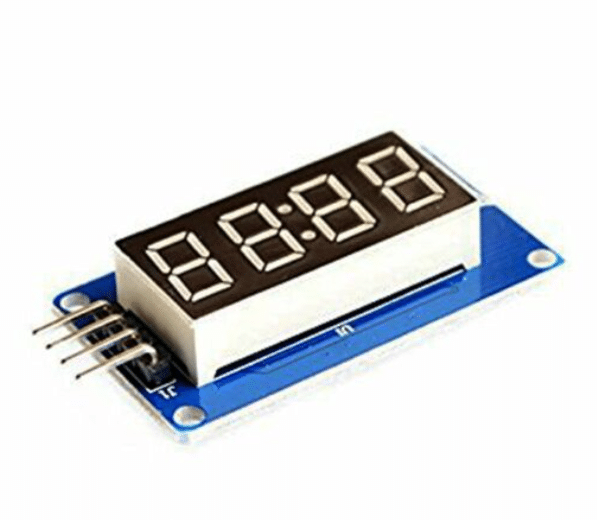
Seven-segment displays can be driven serially by incorporating a seven-segment driver IC. An example of these ICs is MAX7219 and TM1637.
LED Matrix Display
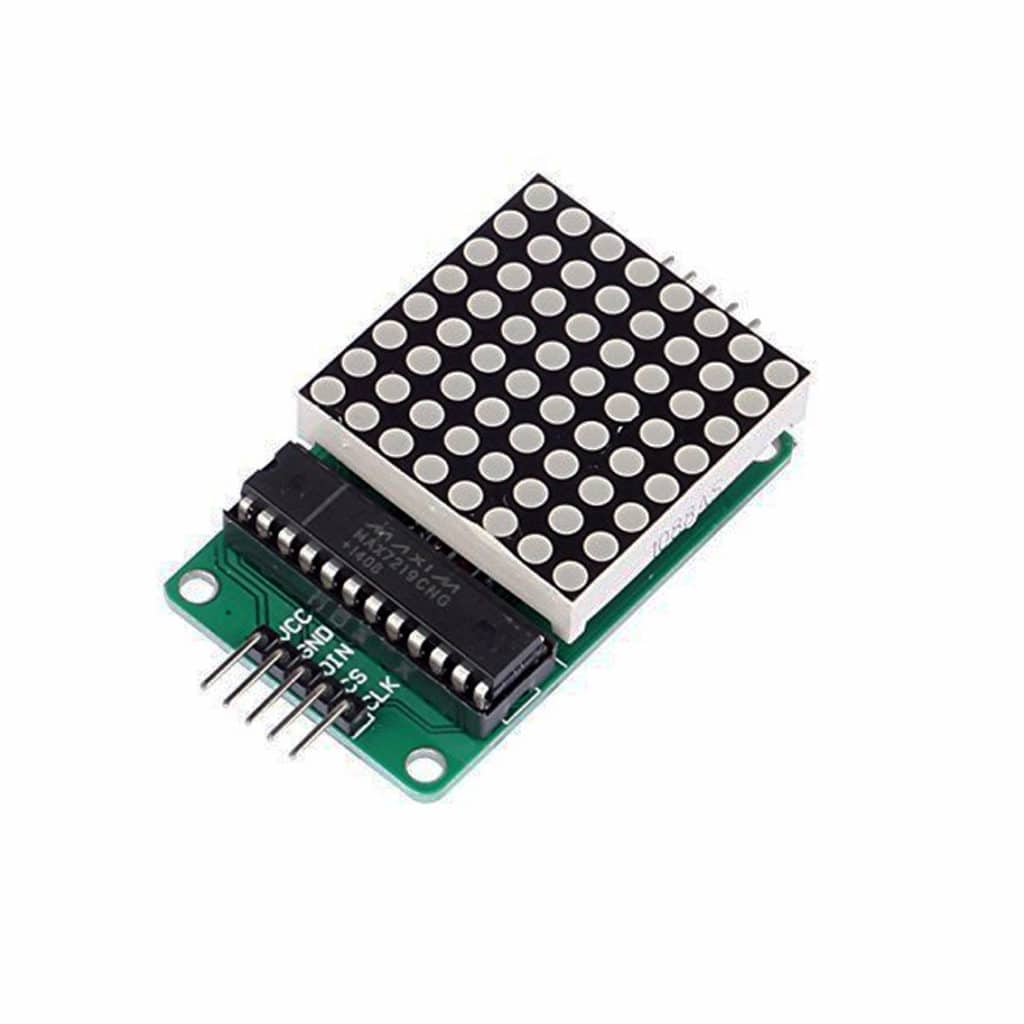
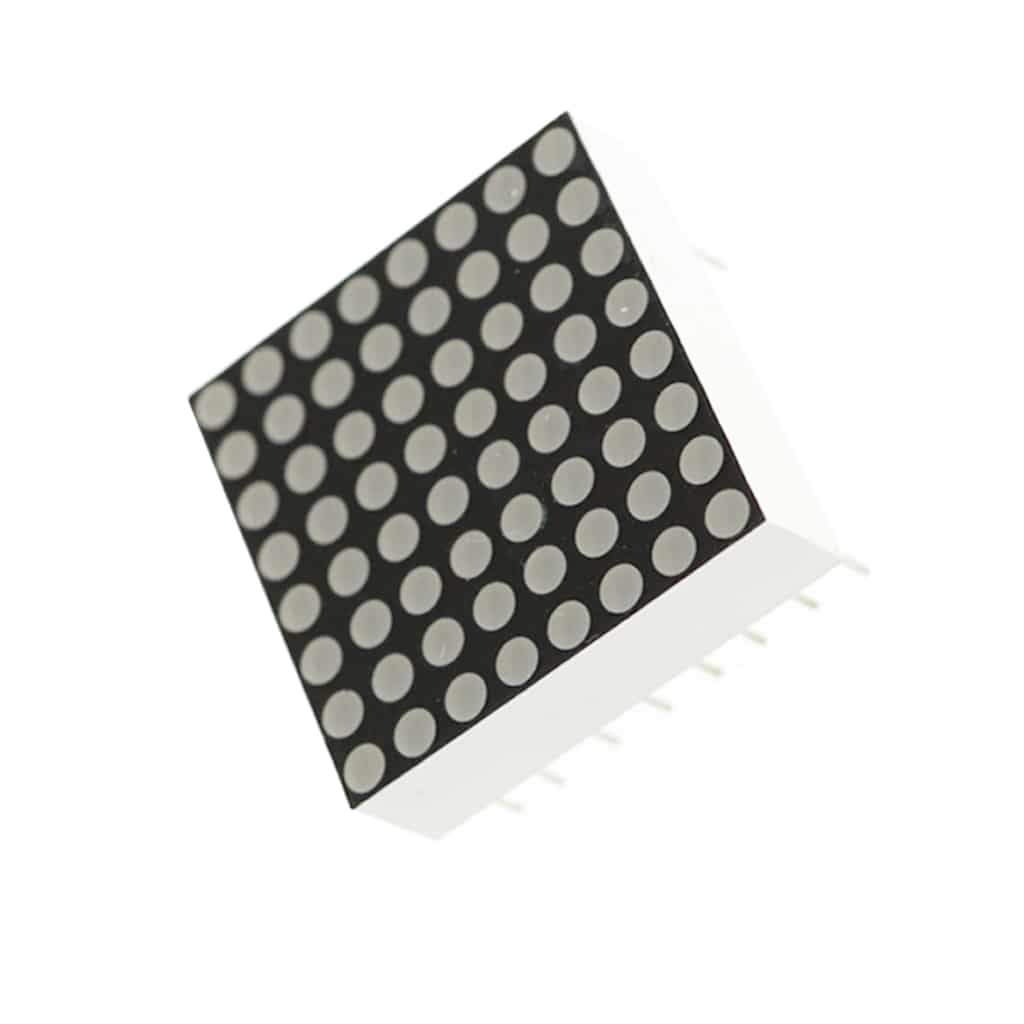
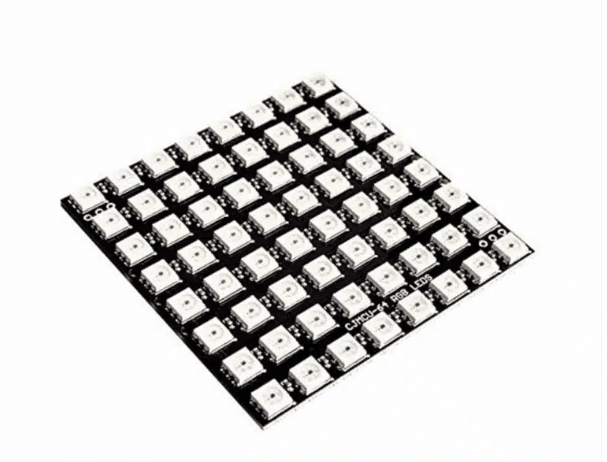
LED matrix displays line up individual LEDs in rows and columns to form a matrix. Each LED is a pixel where a combination can form an image or an alphanumeric character. You’ll usually need an LED matrix driver to easily control the LEDs. The MAX7219 is also a popular LED matrix driver.
A popular serially addressable RGB LED is the WS2812 (also called a Neopixel by Adafruit). This LED can form a multicolor matrix that is visually appealing to the eyes.